Grembyte
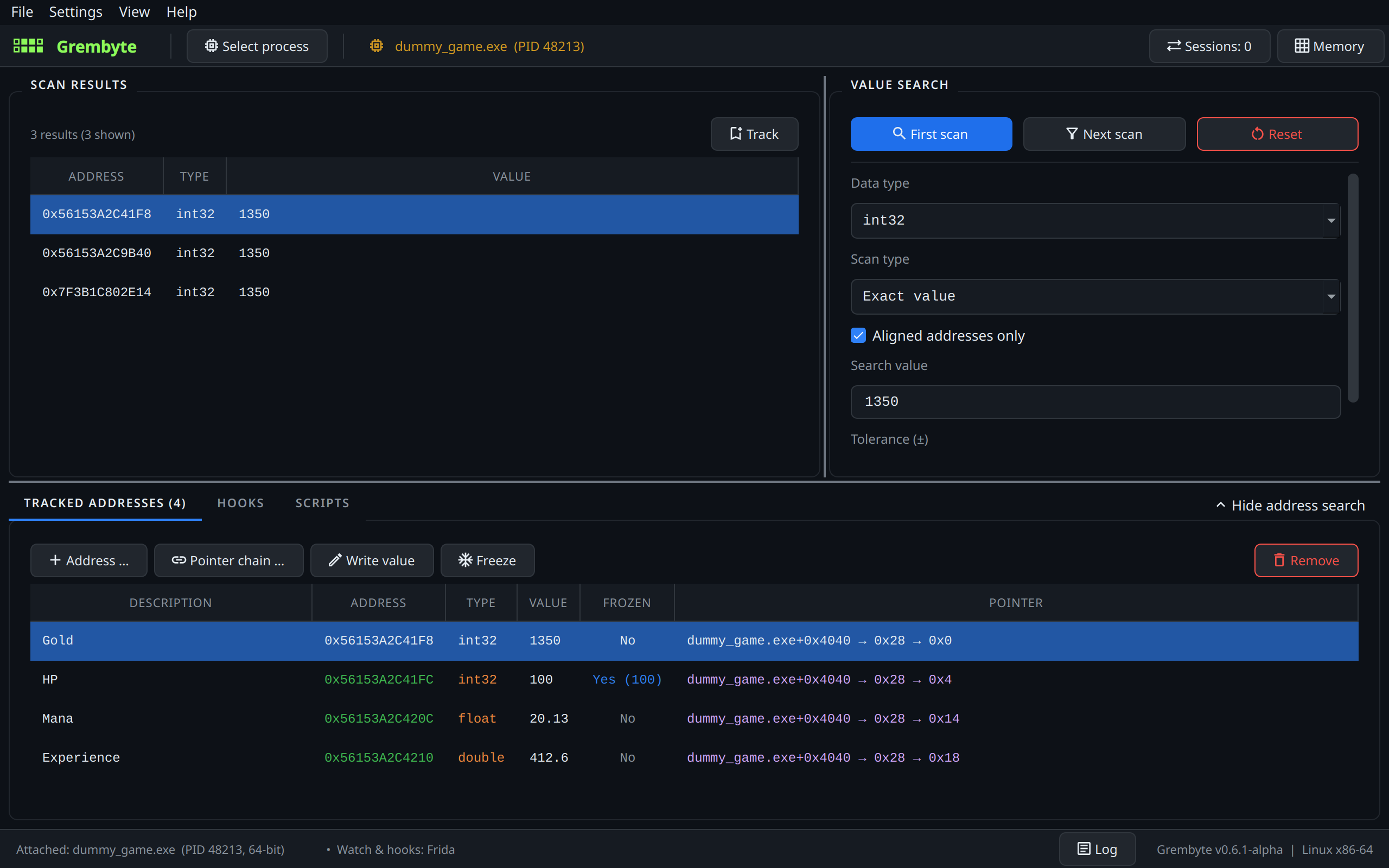
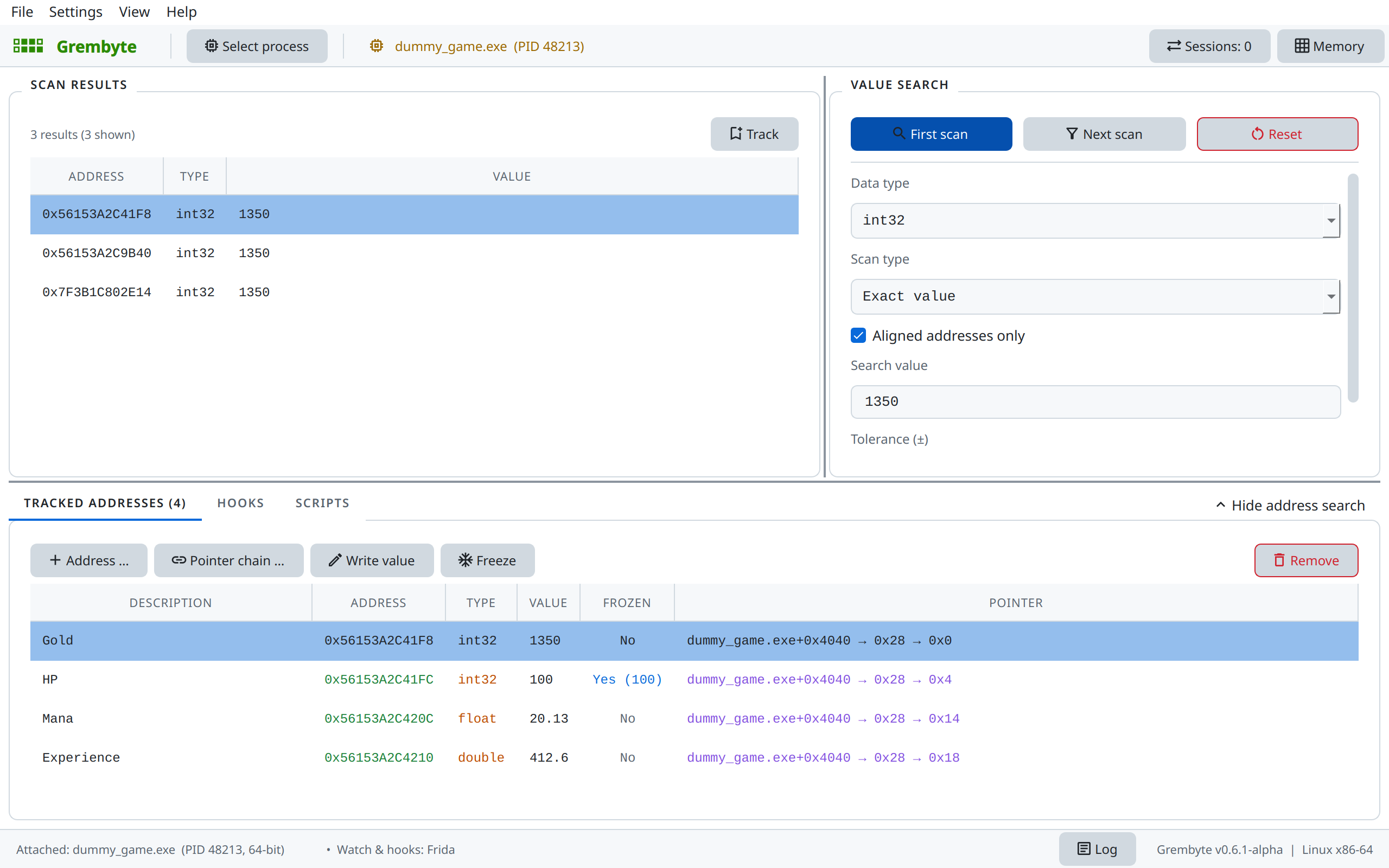
Grembyte is a desktop application for inspecting and changing the memory of running games. It finds values such as gold or health, shows which code writes them, and hooks that code so every write is changed the way you want: a multiplier, a fixed value, bounds, or a JavaScript function of your own. Hooks, addresses and scripts are stored per game and come back the next time it starts.
It runs on Linux, including Windows games under Wine and Proton, and on Windows. For Unity (Mono and IL2CPP) and Unreal Engine games it also understands the game's own classes and methods.
Alpha stage
Grembyte is still in an early alpha stage. Features, the user interface and the format of saved game data can still change between releases, and some games or setups may not work yet. Bug reports and game reports are welcome on GitHub.
Single-player only
This tool is intended solely for educational, research and single-player game modding purposes. It is not designed or intended to bypass anti-cheat mechanisms or to be used in online multiplayer games. The developer assumes no responsibility or liability for any account bans, suspensions or damages resulting from the use or misuse of this software.
Restoring memory modifications that a game removed can be detected by anti-tamper systems (such as Arxan) and, when used online, carries a considerable risk of account bans or soft bans. Use it at your own risk.
What it does
-
Find values
Scan for integers and floats: exact, ranges, unknown initial value, changed or increased by an amount, with tolerance and rounded floats.
-
Keep them across restarts
The pointer scan finds chains like
game+0x4040 → 0x28 → 0x0that lead to the value again after the game restarts. -
See who writes them
A hardware watchpoint shows the instructions that write, or also read, an address.
-
Hook the write
Change every write at that instruction: multiply, fix, clamp or compute the value in JavaScript. Hooks are reinstalled automatically.
-
Work with game code
For Unity and Unreal games: browse classes and methods, trace what a scenario calls, monitor and hook methods, call them yourself.
-
Script the game
JavaScript that runs on the game's main thread on a schedule or by hand, with access to its objects and methods.
-
Explore native code
From a text the game shows to the code using it: strings, references, functions and callers of any executable, and byte patterns that still find the code after an update.
Where to start
- Download and install Grembyte (no GitHub experience needed) and check the permissions it needs on Linux.
- Follow the tutorial: with the small test game in the repository you find a value, watch its writes and hook them, in about ten minutes.
- Read the user guide for the details of each tool, and the engine pages for Unity and Unreal games.
- Try everything on HermesQuest, a small Unity role-playing game made for it, with worked examples of pointer scans, hooks and scripts – and an introduction to JavaScript in Grembyte.
Under development
Grembyte is under active development. The roadmap lists what is planned and what is still open.