Object browser
The object inspector shows one object, but you first need that object: from a monitored call, a script result or a field of another object. The object browser starts from the other end. It lists the objects that live in the game right now, grouped by class, so you can open the player, the game state or a party member's inventory without knowing where they are kept.
It is available for Unreal Engine and Unity Mono games. Open it with View → Object browser … while Grembyte is attached to the game.
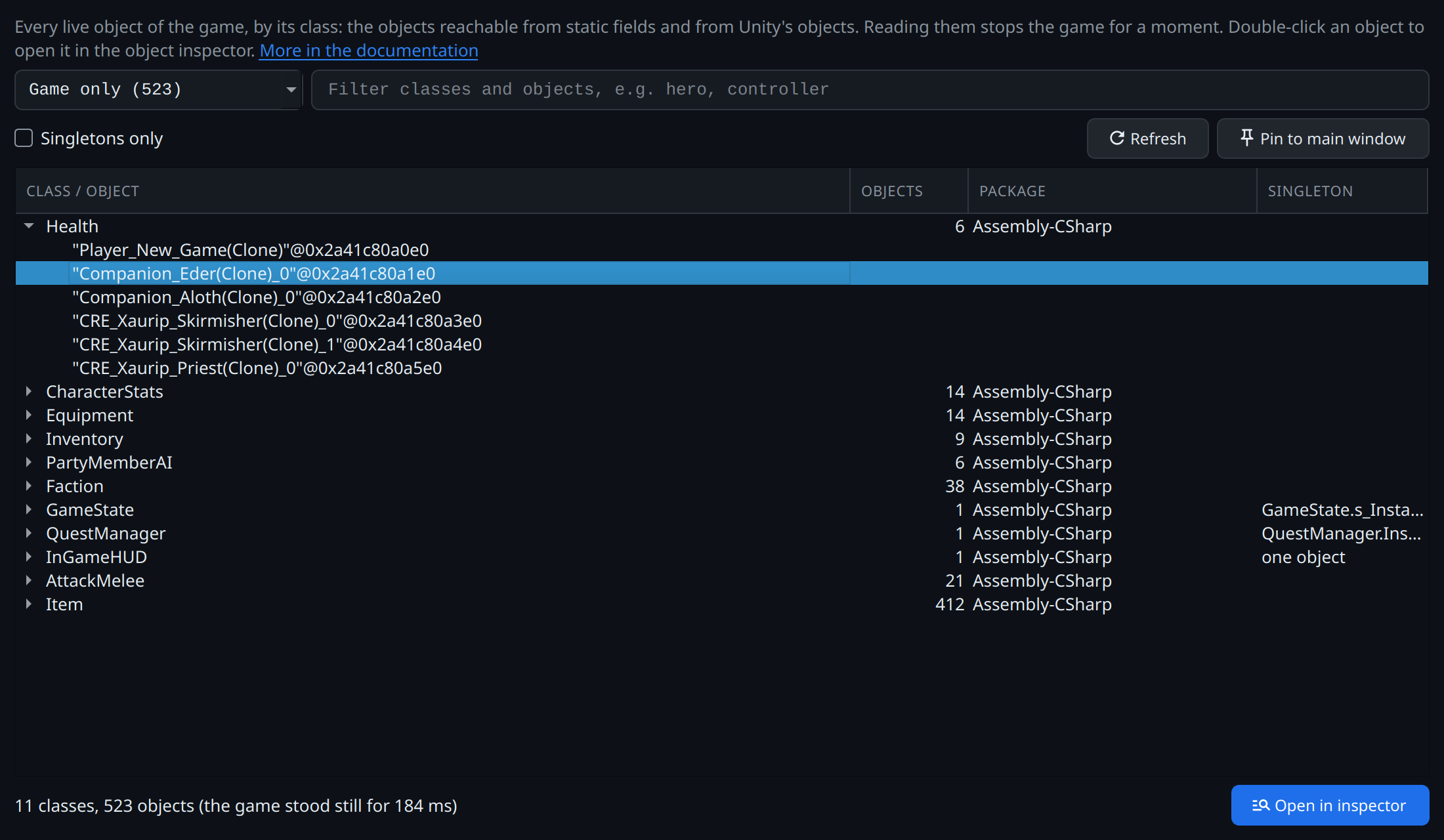
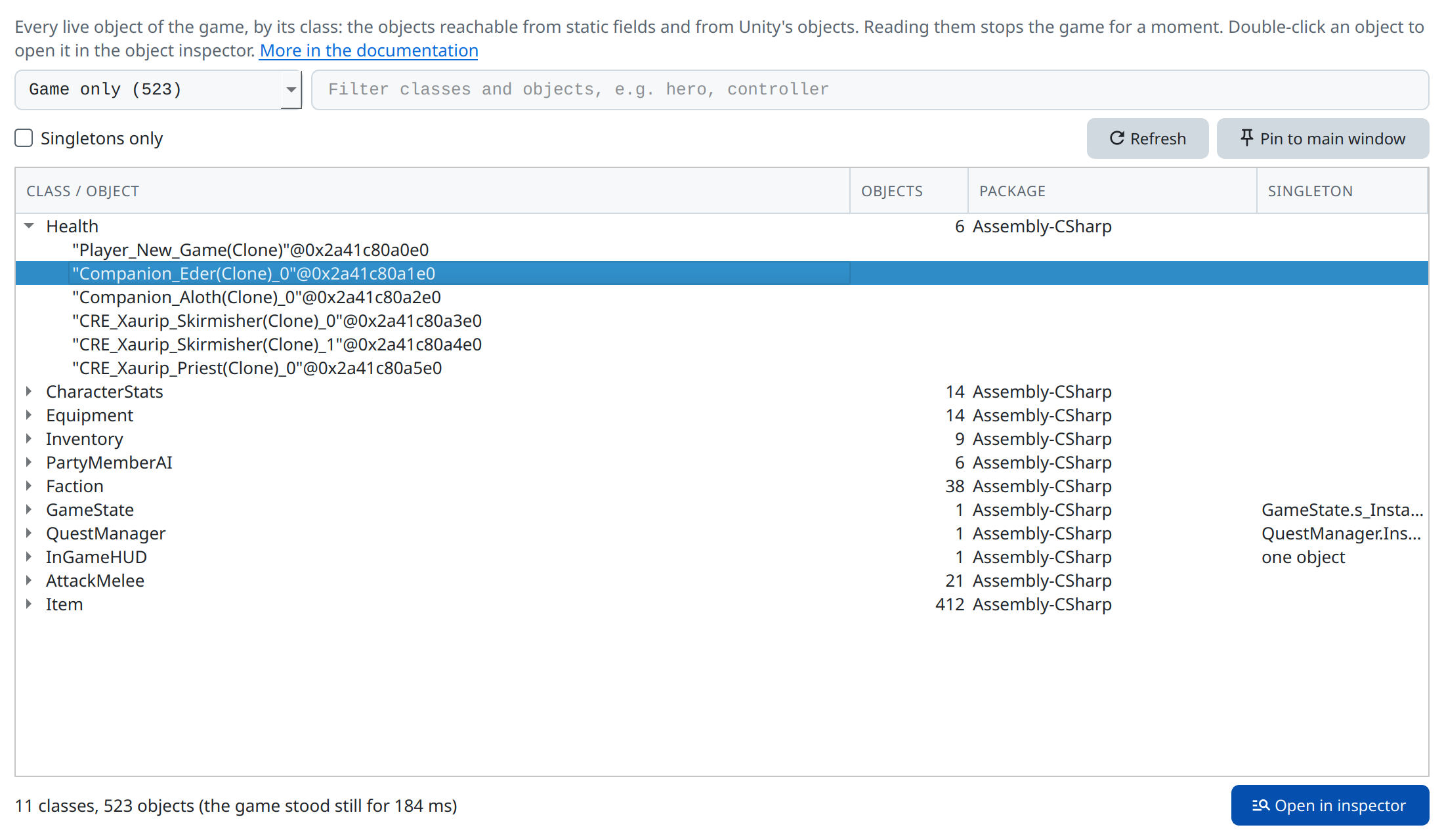
Health opened.The tree
The first level lists the classes that have live objects, with how many objects of exactly that class live (objects of subclasses count for their own class). Open a class to list its objects:
- Unreal objects and Unity objects show with their name, as
"Companion_Eder(Clone)_0"@0x2a41c80a1e0. - Strings show with their text.
- Other C# objects show as
Class@address.
Games keep hundreds of thousands of objects, so a class's objects are only read when you open it, and a class lists at most 5,000 of them. The filter narrows them.
Double-click an object, or select it and click Open in inspector, to show its fields in the object inspector. The context menu copies an object's address or name, or a class's name or address.
Narrowing the list
- Package: all packages, Game only (without the engine's and the framework's), or one package. A package is an assembly in Unity games (
Assembly-CSharp) and a package as the catalog groups them in Unreal games (/Script/<Module>,/Game/<Folder>). The dropdown shows how many objects each one has. - Filter: a class whose name contains all the words you type shows with all its objects. A class with objects named so shows with only those, e.g.
ederfindsHealthwith its objectCompanion_Eder(Clone)_0. The column Objects then shows those named so out of all. - Singletons only: classes with exactly one object. The Singleton column says why: the engine class that has only one object (Unreal), the static field that holds it (Unity, e.g.
GameState.s_Instance), or one object for a game class that just happens to have one.
The tree is a snapshot: objects created later are missing, and an object may be gone by the time you open it. Refresh reads the objects again.
Like the other tools that stay in use while you play, the object browser can be docked beside the scanner. It closes when the game ends.
Unreal Engine
Grembyte reads every object from the engine's object table (GUObjectArray), the same table scripts search with ctx.find. Reading it does not stop the game.
- The objects' names are
FNames, which repeat:PointsAvailableTrackermay exist once per widget. The tooltip of an object names its outer, the object it belongs to (Sidekick in WidgetTree_7). - Singletons are objects of the engine's single-instance classes and their subclasses: game instance, subsystems, game mode, game state, player controller, world settings, game user settings.
- Templates and reflection also lists class default objects (
Default__…), archetypes and the reflection objects themselves: packages, classes, functions, structs, enums. They are left out otherwise. The inspector shows a reflection object's properties, not its contents (an enum's values, a class's fields).
Unity Mono
Unity's Mono has no way to walk its heap: mono_gc_walk_heap belongs to Mono's SGen collector and does nothing in the Boehm collector Unity uses. Grembyte uses Unity's own liveness calculation instead (mono_unity_liveness_*, which Resources.UnloadUnusedAssets uses). It finds the objects reachable from static fields and from Unity's objects.
- The game stands still while the calculation runs, since it marks every object it visits. The status line says for how long.
- Objects only a thread's stack holds are not found, e.g. a local variable of a method that is running right now.
- Singletons are found through static fields that hold a class's only object, also through generic bases such as
Singleton<T>. - Unity objects show with their name, which Grembyte asks Unity for on the game's main thread.
Both generations of the API work: calculation_begin/end (Unity 4 to 2020) and allocate_struct (Unity 2021 and later), in 64-bit and 32-bit games. The calculation runs on the game's main thread, also in games that sleep out of focus.
Tested in Pillars of Eternity (64-bit) and Might & Magic X – Legacy (Unity 4.2, 32-bit, Proton); the newer API so far against a stand-in runtime only.
Not yet available
- Unity IL2CPP: IL2CPP has its own liveness calculation (
il2cpp_unity_liveness_*); the browser does not use it yet. - Native games: without an engine's reflection there is no list of classes to group objects by.