Scripts
Scripts are JavaScript function bodies that run on the game's main thread and can call its methods: give the player health every few seconds, set an attribute after loading, or run a cheat function by hand. They live in the Scripts tab next to Hooks, are stored per program and restored when that program is attached. New … and Edit open the script editor with the code, the schedule and the parameters.
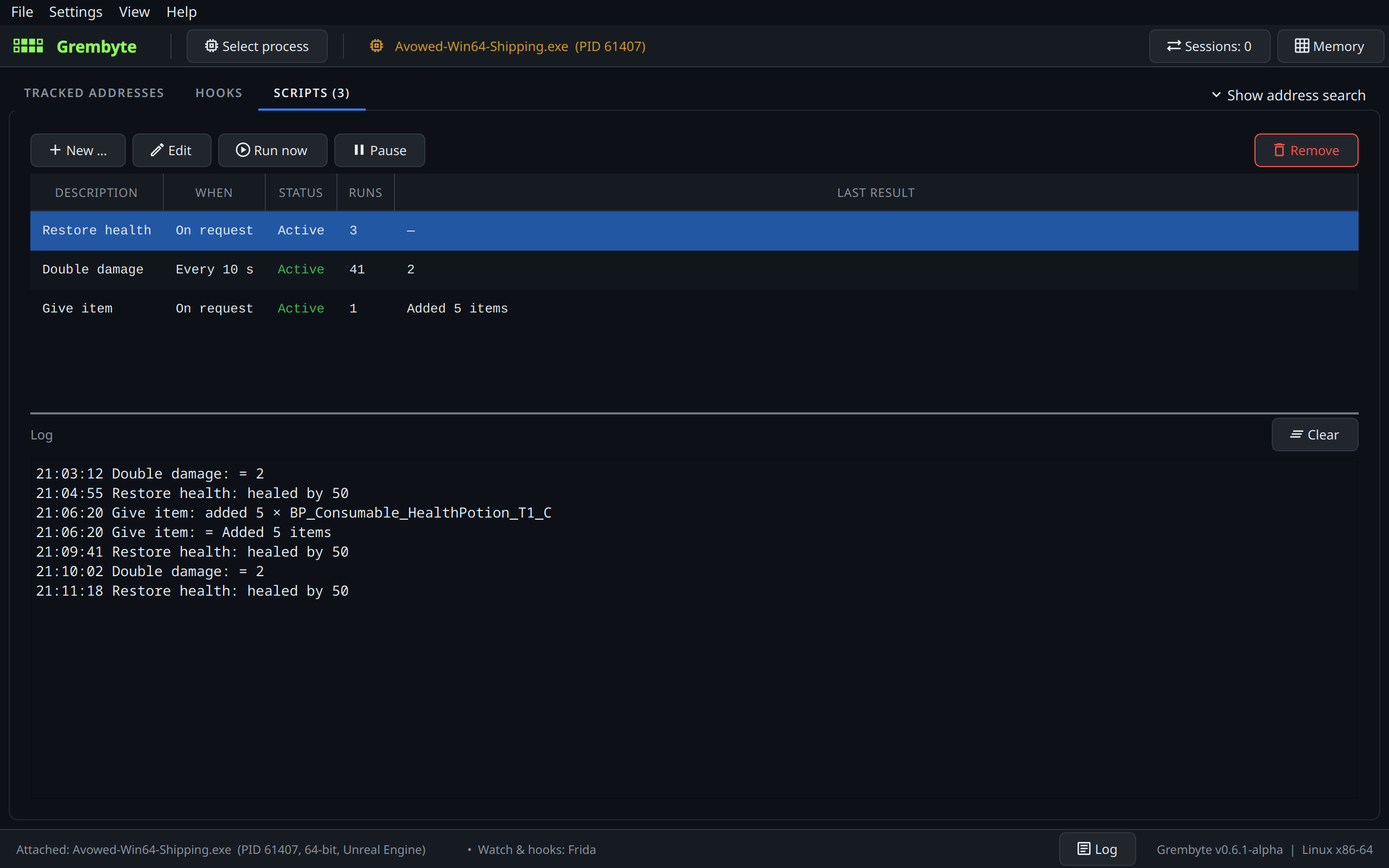
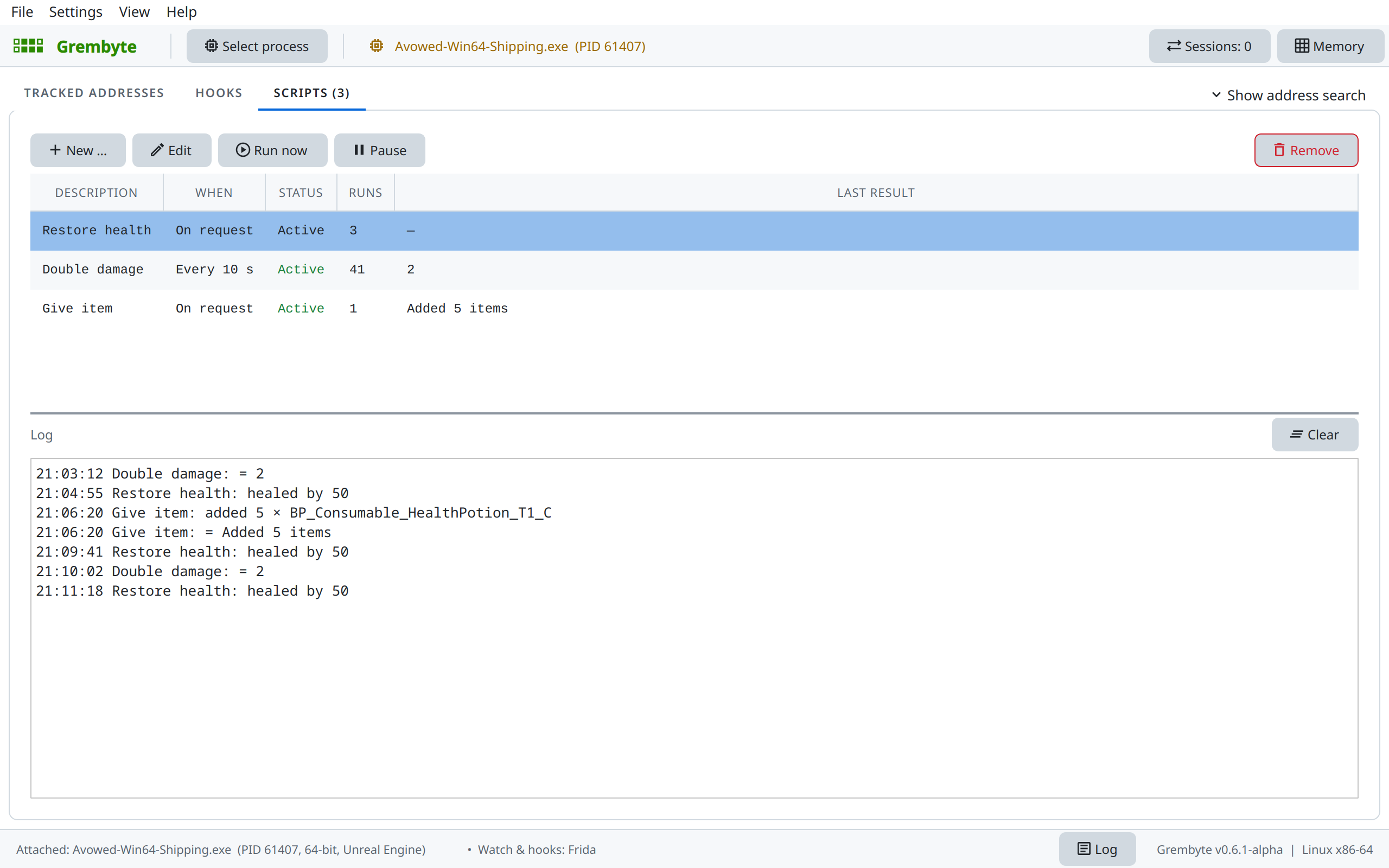
Scripts reach game objects and methods through the engine adapters of Unity and Unreal games. In a game without an adapter – a native game with an engine of its own – they work on machine code instead: see Scripts in native games.
When a script runs
| Mode | Runs |
|---|---|
| Once | after the configured delay, each time the script starts |
| Repeat | every configured interval; the next interval starts after the previous run finished, so runs do not overlap |
| Manual | only when you click Run now |
Parameters
Scripts can have parameters of the types text, number, yes/no or choice. A manual run asks for their values; scheduled runs use their defaults. The script reads them from ctx.args.
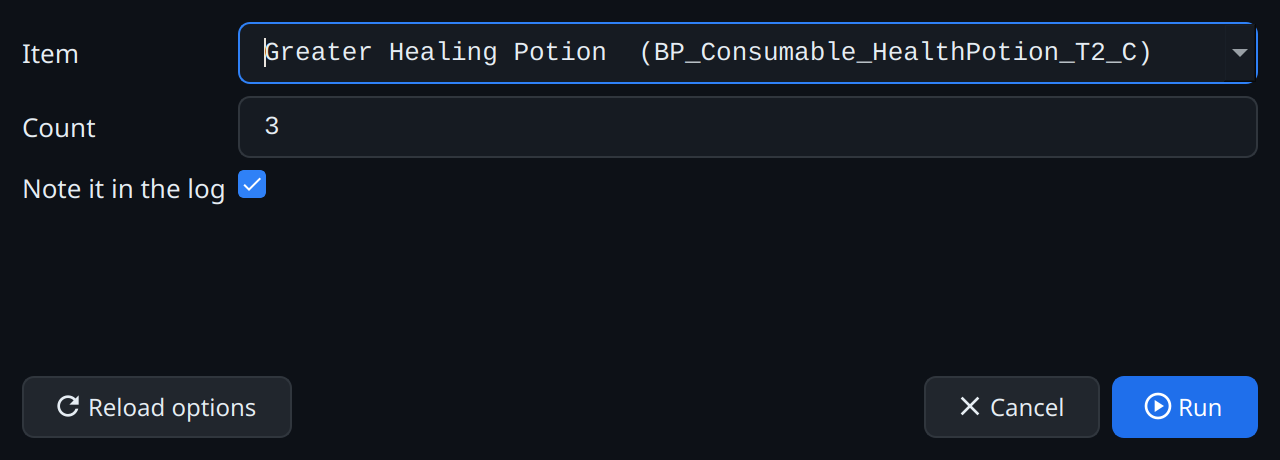
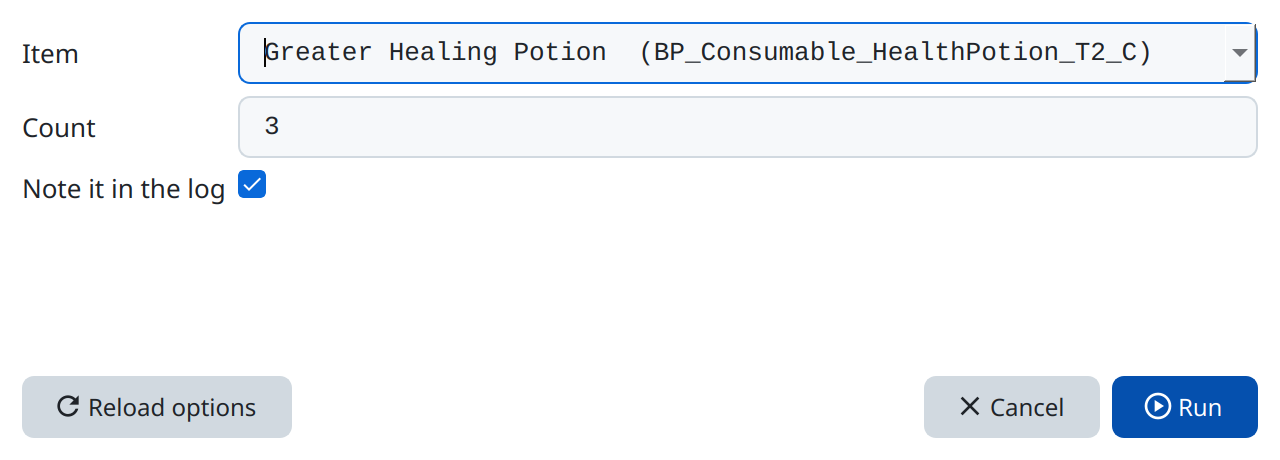
A choice parameter gets its options from a short JavaScript function evaluated in the game, returning values or {label, value} objects. The list filters as you type. The Unreal page shows one in Gothic 1 Remake.
Writing scripts
The script's ctx gives access to the game; all fields are in the script context reference. Objects returned by ctx.find are wrappers: call instance methods with .call(name, ...args), read fields and properties as properties, and use .field(name) where a name clashes. A returned object is shown as the result and can be opened in the object inspector.
const player = ctx.static("HermesQuest.GameState.Current").Player;
return `Healed ${player.Heal(10).toFixed(1)} health`;
const might = ctx.gas.get("Might");
if (might && might.base < 14) ctx.gas.setBase("AttributeSetCore.Might", 14);
ctx.state.total = (ctx.state.total || 0) + 1;
ctx.log(`run ${ctx.runs + 1}, total ${ctx.state.total}`);
Scripts are different from hook templates: a template changes one value at one write, a script runs on its own and calls the game.
Scripts in native games
Without an engine adapter Grembyte looks for a function the game calls every frame on its main thread and runs scripts each time it returns. It hooks the ones the game exports, in this order: SDL_PollEvent, SDL_PumpEvents, SDL_GL_SwapWindow, glfwPollEvents, glfwSwapBuffers, PeekMessageW, PeekMessageA, SwapBuffers, wglSwapBuffers, glXSwapBuffers, eglSwapBuffers, vkQueuePresentKHR, and for GTK and other GLib programs g_main_context_iteration. The first of them that runs on the main thread within half a second is kept (if none does, the first that runs on another thread). The first run logs which one it is. A game that exports none of them, for example one with SDL linked in statically, gets an error instead.
There are no class or method names to go by, so ctx.native finds code by its bytes: a pattern of the function's first instructions, with ?? for the bytes that change between builds (addresses, offsets). A pattern survives game updates that leave the function alone, unlike a fixed address. The code explorer finds the code and copies its pattern, or a whole script skeleton. The script context reference lists the functions.
Native scripts run with Frida's full JavaScript API: memory is read and written through NativePointer (pointer.add(4).readS32()), and Process, Module and Memory are available as in any Frida script. A wrong call can crash the game: check a function's parameters in the disassembly first, and try the script by hand before giving it a timer.
Example: Underkeep's debug menu
Underkeep (own engine, under Proton) has a hidden debug menu. Two native scripts make it usable: the first opens the menu, the second switches on the commands behind its buttons.
const n = ctx.native;
// OpenPage(int page, bool replace): push rbp / sub rsp, 0x20 / cmp [menu], 0 / mov ebp, ecx / je
const openPageAt = n.scan("40 55 48 83 EC 20 83 3D ?? ?? ?? ?? 00 8B E9 0F 84");
// The cmp at +6 reads the menu object: +0 state (0: closed), +4 page
const menu = n.rip(openPageAt.add(6), 2, 7);
if (menu.readS32() === 0) return "Open the in-game menu first (Esc)";
n.fn(openPageAt, "void", ["int", "uint8"])(11, 0);
return "Debug menu opened";
The menu opens, but its buttons do nothing yet. Each button sends a console command (heal_party, kill_nearby_enemies, …), and each command first asks a check that in the release build only logs "This command is available only in debug mode." and returns false. The code explorer leads there from that message. A second script patches the check so that it returns true (mov al, 1; ret); run again, it restores the original bytes:
const n = ctx.native;
// The check: push rbx / sub rsp, 0x50 / mov ebx, -1 / lea rdx, [message] / … /
// xor al, al / add rsp, 0x50 / pop rbx / ret. The first three bytes are left
// open: they are what this script changes.
const check = n.scan(
  "?? ?? ?? 83 EC 50 BB FF FF FF FF 48 8D 15 ?? ?? ?? ?? 44 8B C3 48 8D 4C 24 30 " +
  "E8 ?? ?? ?? ?? 45 33 C9 48 C7 44 24 20 00 00 00 00 45 33 C0 48 8D 54 24 30 " +
  "8D 4B 02 E8 ?? ?? ?? ?? 48 8B 44 24 30 48 85 C0 74 13 F0 0F C1 18 83 FB 01 " +
  "75 0A 48 8B 4C 24 30 E8 ?? ?? ?? ?? 32 C0 48 83 C4 50 5B C3");
const ORIGINAL = [0x40, 0x53, 0x48];  // push rbx / (sub rsp …)
const ALLOW = [0xB0, 0x01, 0xC3];     // mov al, 1 / ret
const now = Array.from(new Uint8Array(check.readByteArray(3)));
const is = bytes => bytes.every((value, i) => value === now[i]);
if (!is(ORIGINAL) && !is(ALLOW))
  throw new Error(`unexpected bytes at ${check}: ${now.map(b => b.toString(16)).join(" ")}`);
const allow = is(ORIGINAL);
Memory.patchCode(check, 3, code => code.writeByteArray(allow ? ALLOW : ORIGINAL));
return allow ? "Debug commands enabled" : "Debug commands disabled again";
To use the debug menu:
- Attach Grembyte to the game and add both scripts in the Scripts tab, each set to Only when run by hand.
- Run Switch the debug commands on or off once. The result says Debug commands enabled.
- In the game, open the in-game menu with Esc, then run Open the hidden debug menu. Page 11 of the menu appears: kill nearby or all enemies, level up the party, unlock skills, 100 skill points, heal the party, reveal the map, unlock all recipes and fast travel, weather, and more.
- The buttons now work. To switch the commands off again, run the second script once more.
The patch lives only in the game's memory: restarting the game undoes it, and the scripts must be run again. Both were found in version 1.0.4; their byte patterns keep them working as long as an update leaves the two functions alone.
Achievements and statistics
The debug commands include reset_steam_stats_and_achievements, which resets your Steam statistics and achievements. Achievements may also still unlock while the commands are enabled.
Underkeep and Gothic 1 Remake are named on this page only to illustrate how Grembyte works. All game names, trademarks and game content belong to their respective owners. Grembyte is not affiliated with, endorsed or sponsored by them.