Engines
Memory scans, the write watch, hooks and the native tools work with any game. For games built on Unity (Mono or IL2CPP) and Unreal Engine, Grembyte also reads the engine's own metadata: the classes and methods of the game, the fields of its objects. That opens a second way in: instead of searching for a value and the instruction that writes it, you find the method that does the work and change its arguments or result.
Grembyte recognises the engine when it attaches; the status bar names it.
Grembyte tools per engine
Which of Grembyte's engine tools are available for games built on each engine. The table is about Grembyte, not about the features of the engines themselves.
| Grembyte tool | Unity (Mono) | Unity (IL2CPP) | Unreal Engine |
|---|---|---|---|
| Catalog of classes and methods | |||
| Assemblies / packages | |||
| Trace | |||
| Method monitor | |||
| Object inspector | |||
| Method hooks | |||
| Call method | – | ||
| Call graph | – | – | |
| Scripts | |||
| Object browser | – | ||
| GAS attributes | – | – |
The engine pages describe the details: Unity (Mono), Unity (IL2CPP), Unreal Engine.
Catalog
View → Catalog … lists the game's classes and methods, grouped by assembly (Unity) or package (Unreal), with a filter. Methods carry their signature, e.g. Ns.Class:Method (int,single). From a method the context menu leads to the monitor, a method hook, the call dialog, the call graph or a favorite (★).
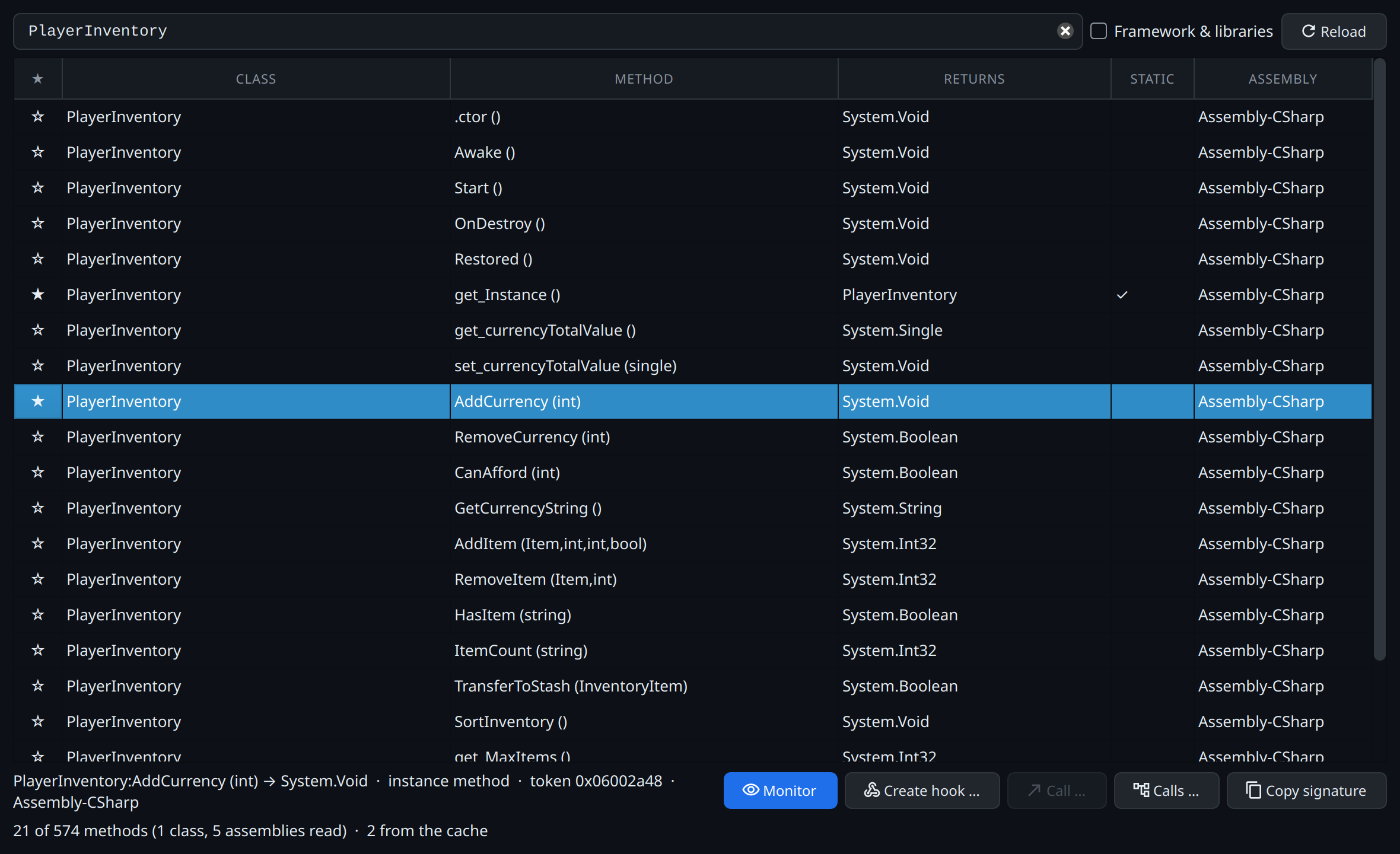
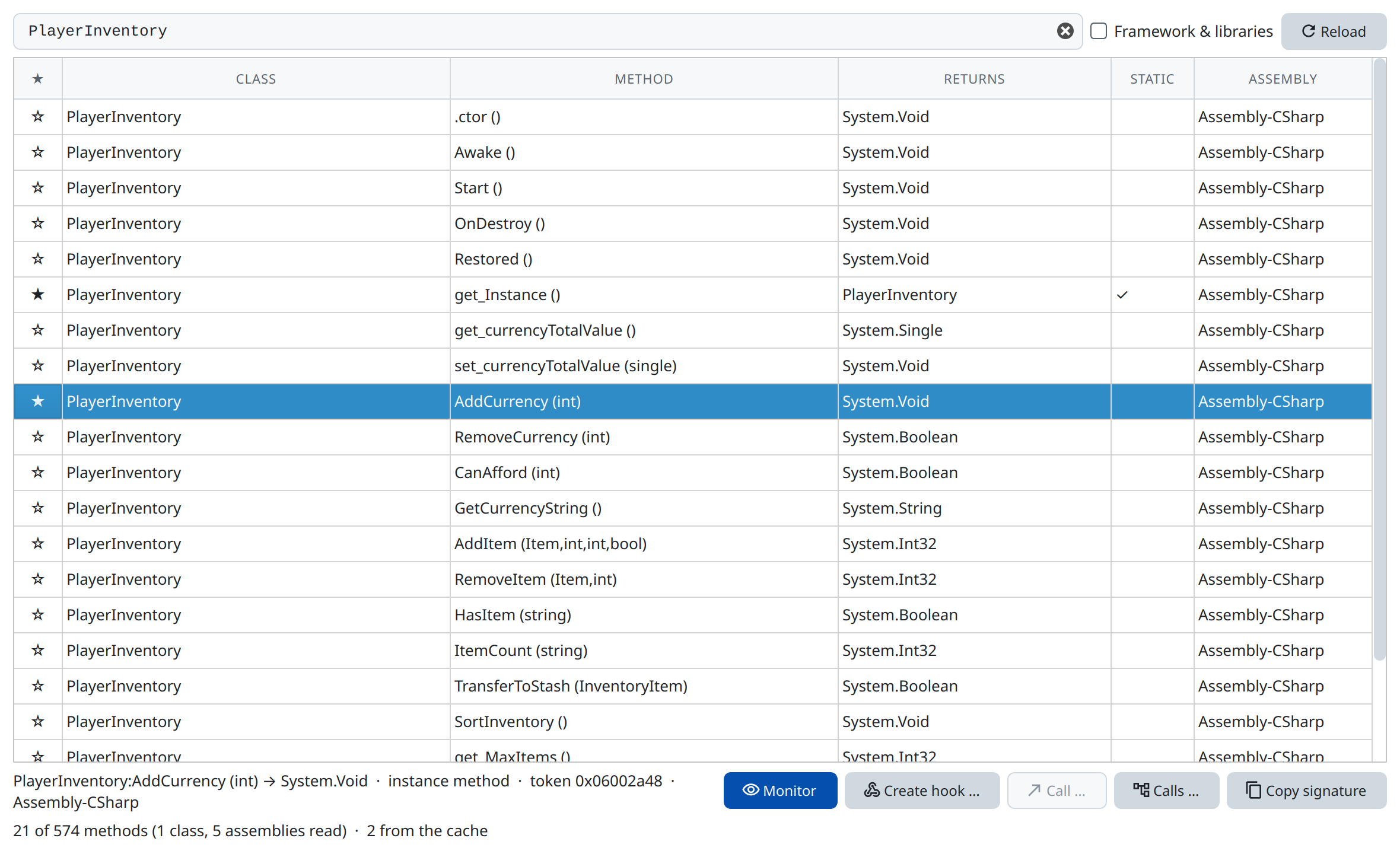
A catalog read once is cached; View → Catalog (offline) … opens it without the game running.
Assemblies
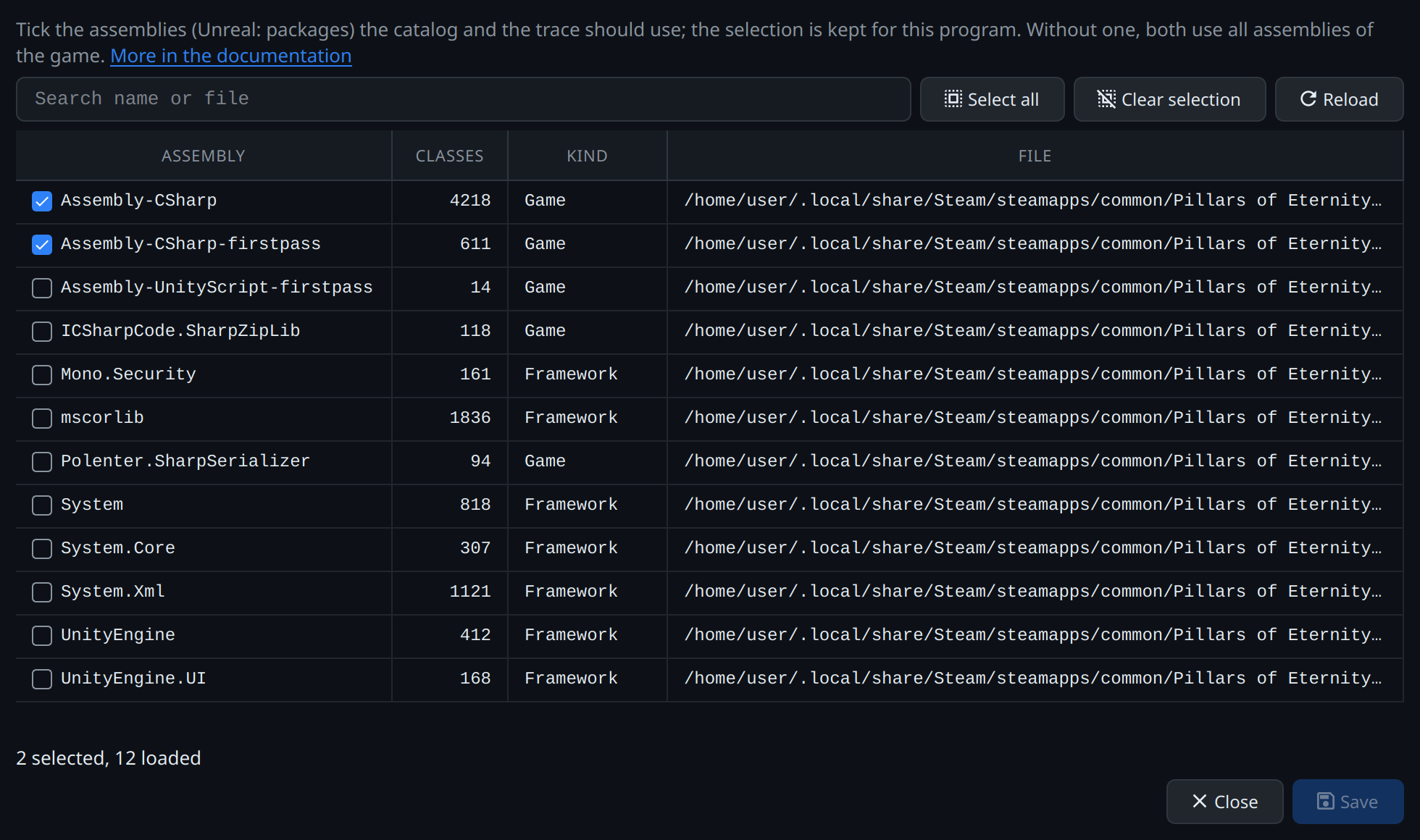
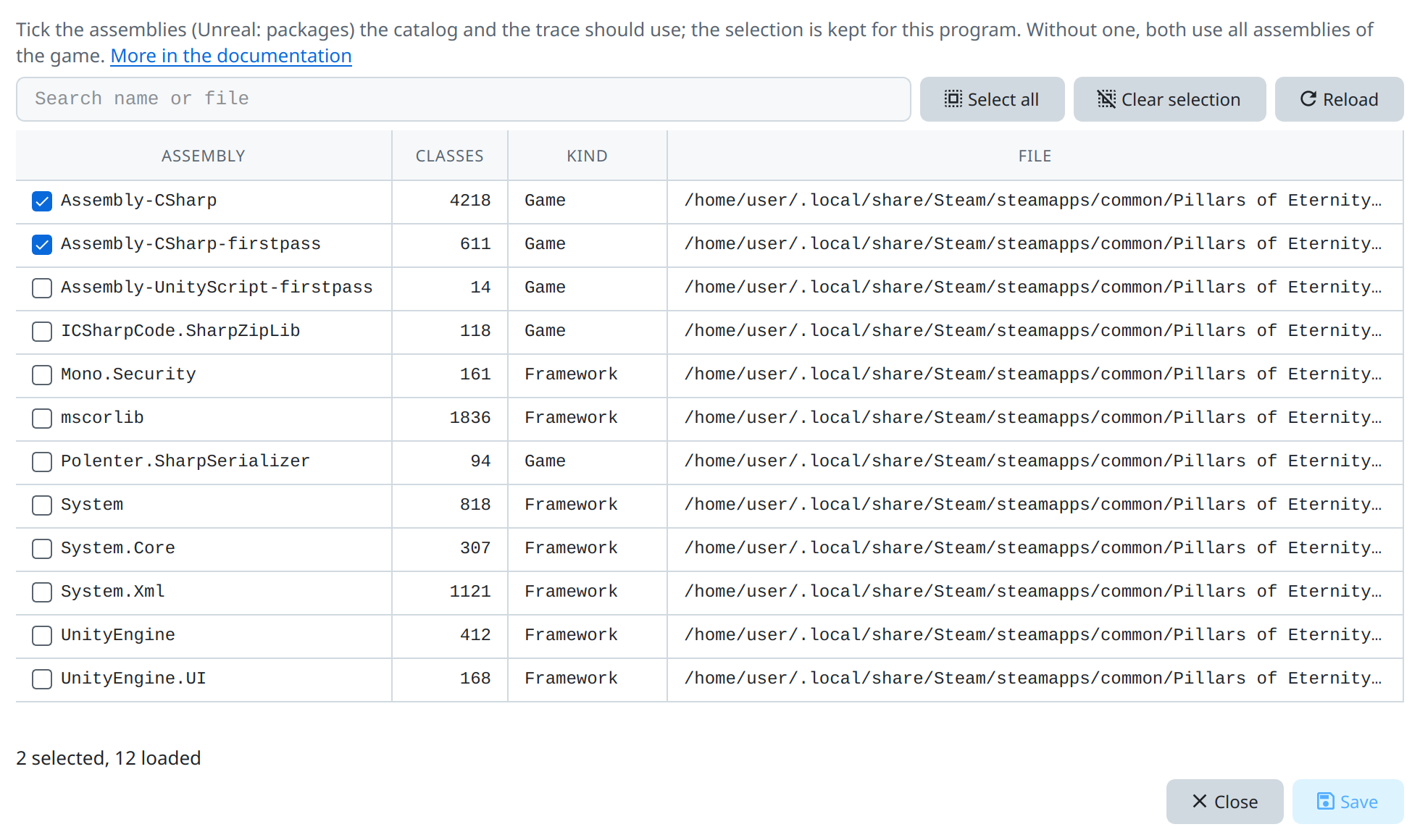
View → Assemblies … limits the catalog and the trace to chosen assemblies (Unreal: packages). The choice is saved per program. Without a choice both use all of the game's assemblies, and leave out those of the engine and the framework.
Trace
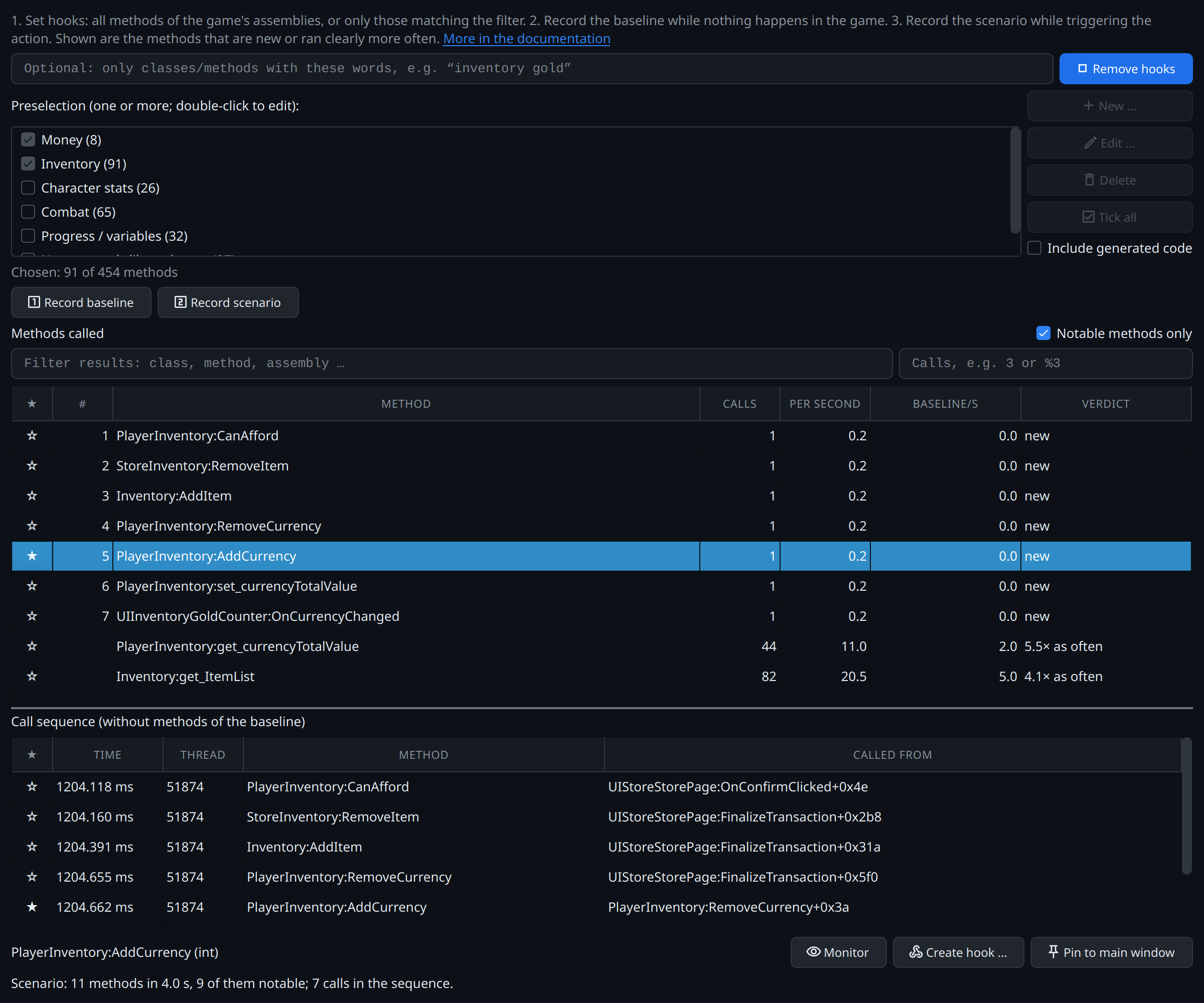
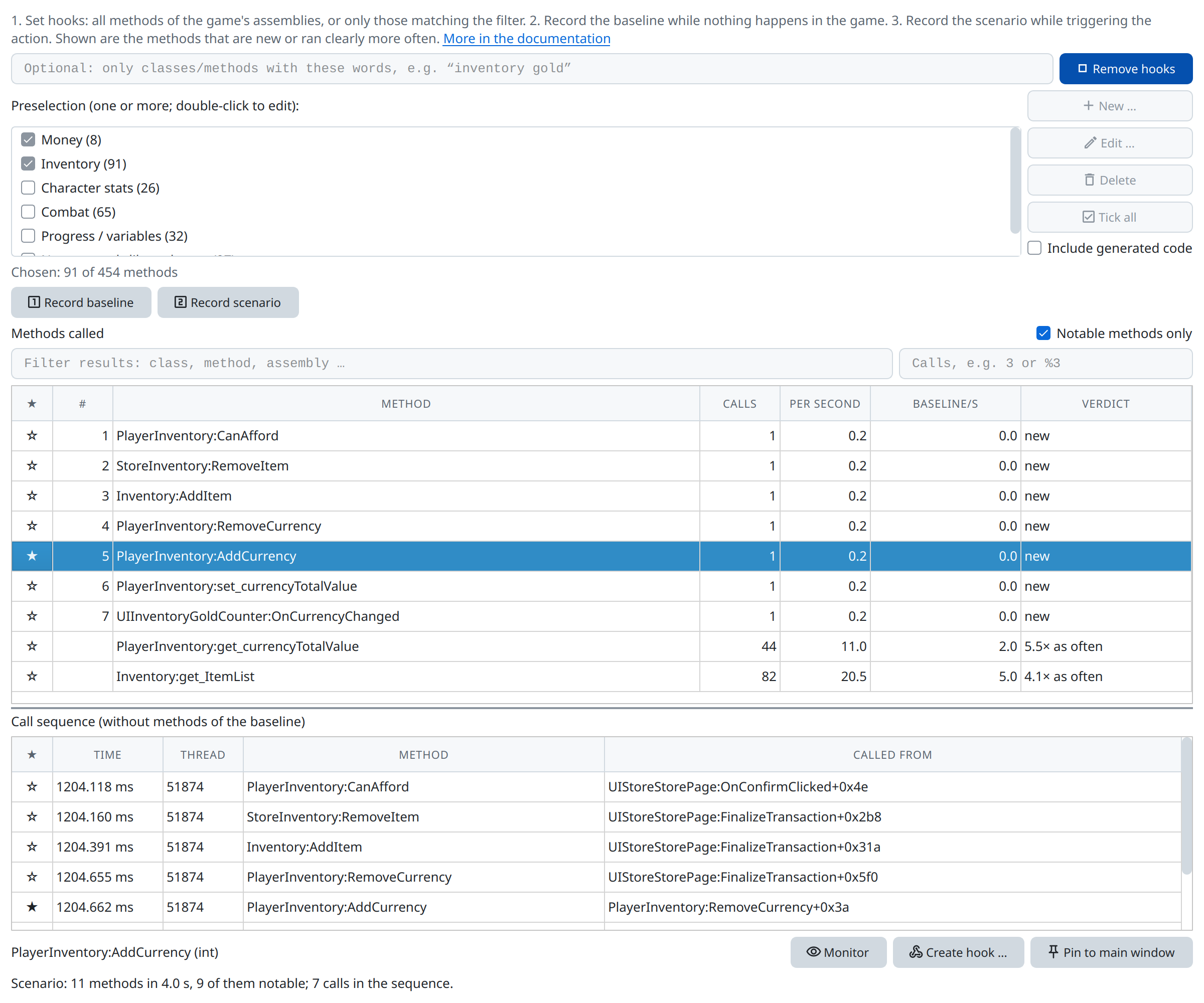
View → Trace … finds the methods that a scenario in the game calls – which method runs when I buy something? It hooks the methods of the chosen assemblies and works like the native trace: a baseline while the game idles, then the scenario; the methods that are new or called more often in the scenario are the candidates. Preselection filters keep large games manageable. The trace can be docked at the bottom of the main window.
What the trace cannot see:
- Mono often builds small methods right into their callers (inlining). Such calls never reach a hook, neither in the trace nor in the method monitor.
- Unreal: the trace sees calls from Blueprints and through
ProcessEvent(events, delegates). C++ calling C++ directly is only seen by the native trace; a Blueprint function calling another Blueprint function directly is not seen.
Method monitor
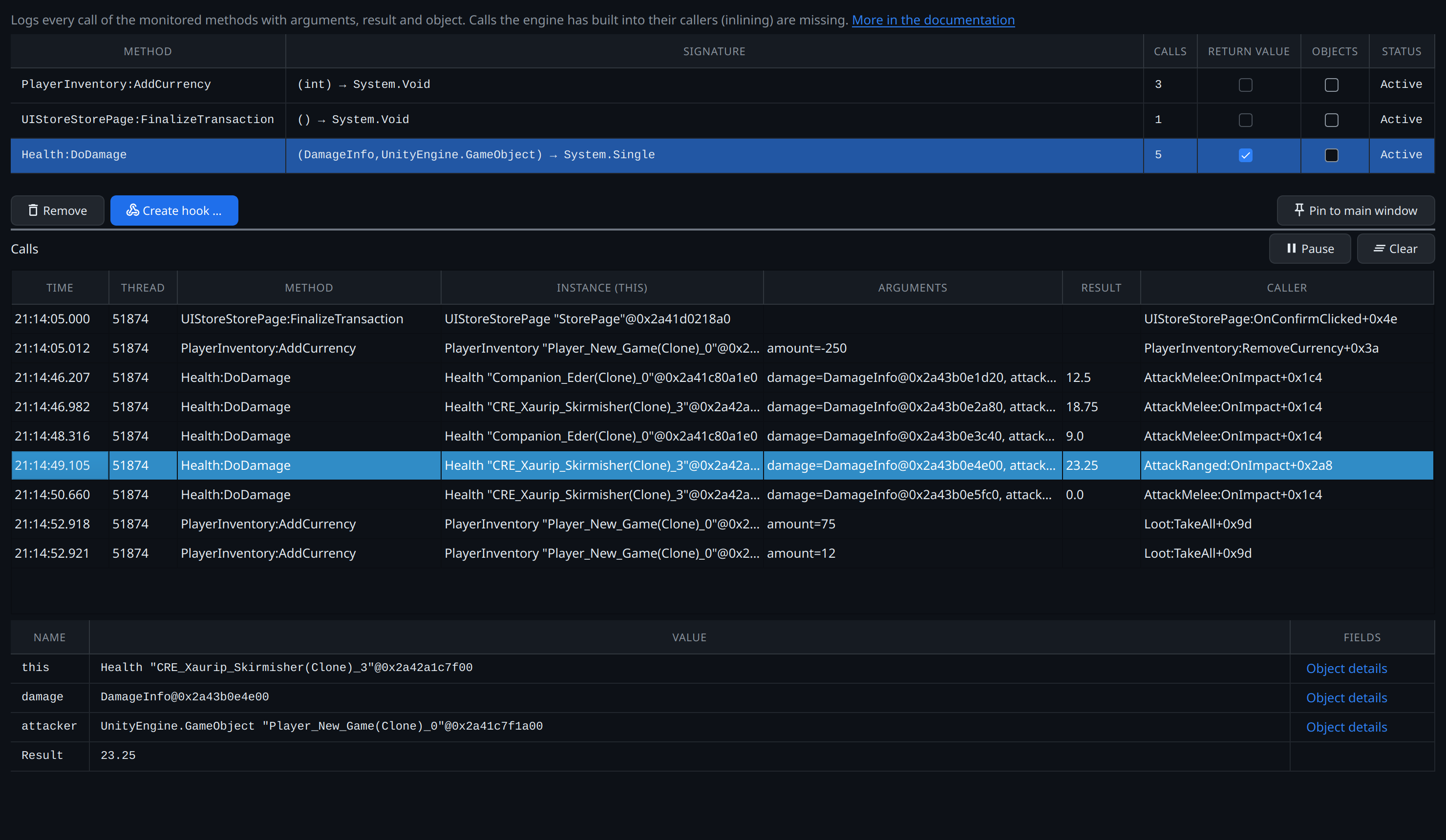
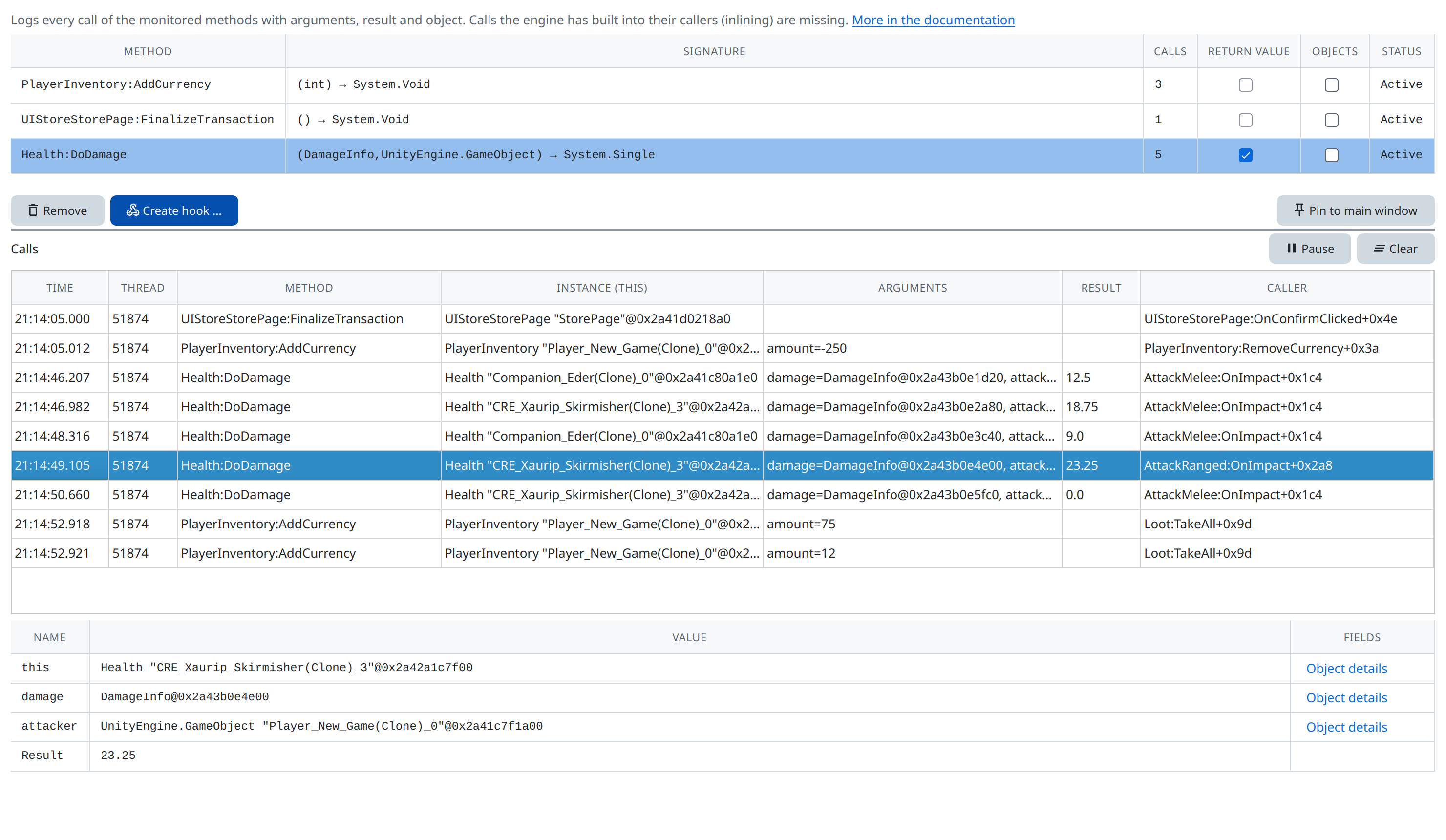
The method monitor logs the calls of chosen methods with their arguments, the result and the object they run on. It can be docked at the bottom of the main window.
It shares the limits of the trace: calls Mono has inlined are missing. In Unreal games, when a Blueprint calls a native function, the arguments come from the Blueprint's bytecode: variables and constants are shown, other arguments as ?.
Object inspector
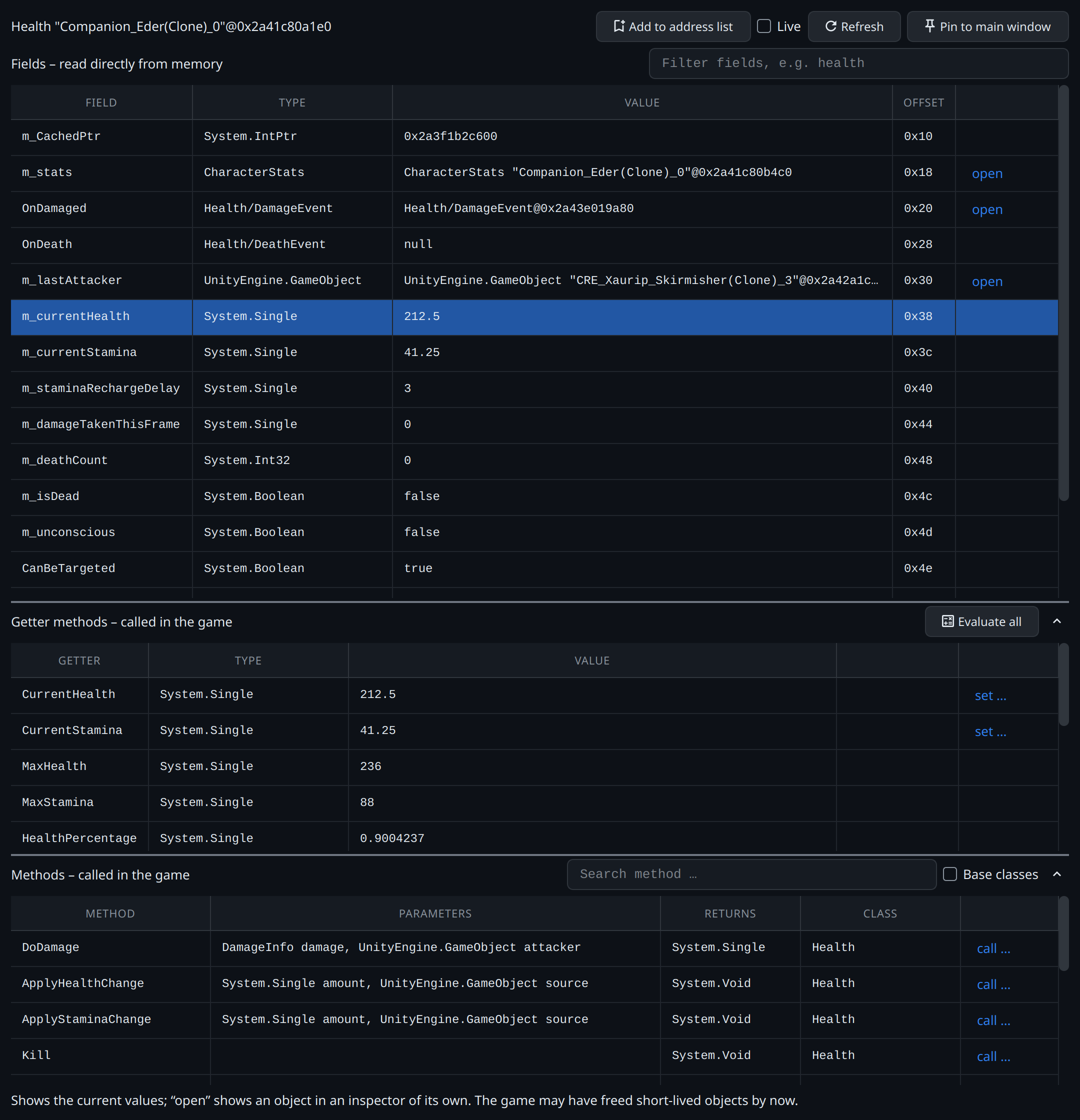
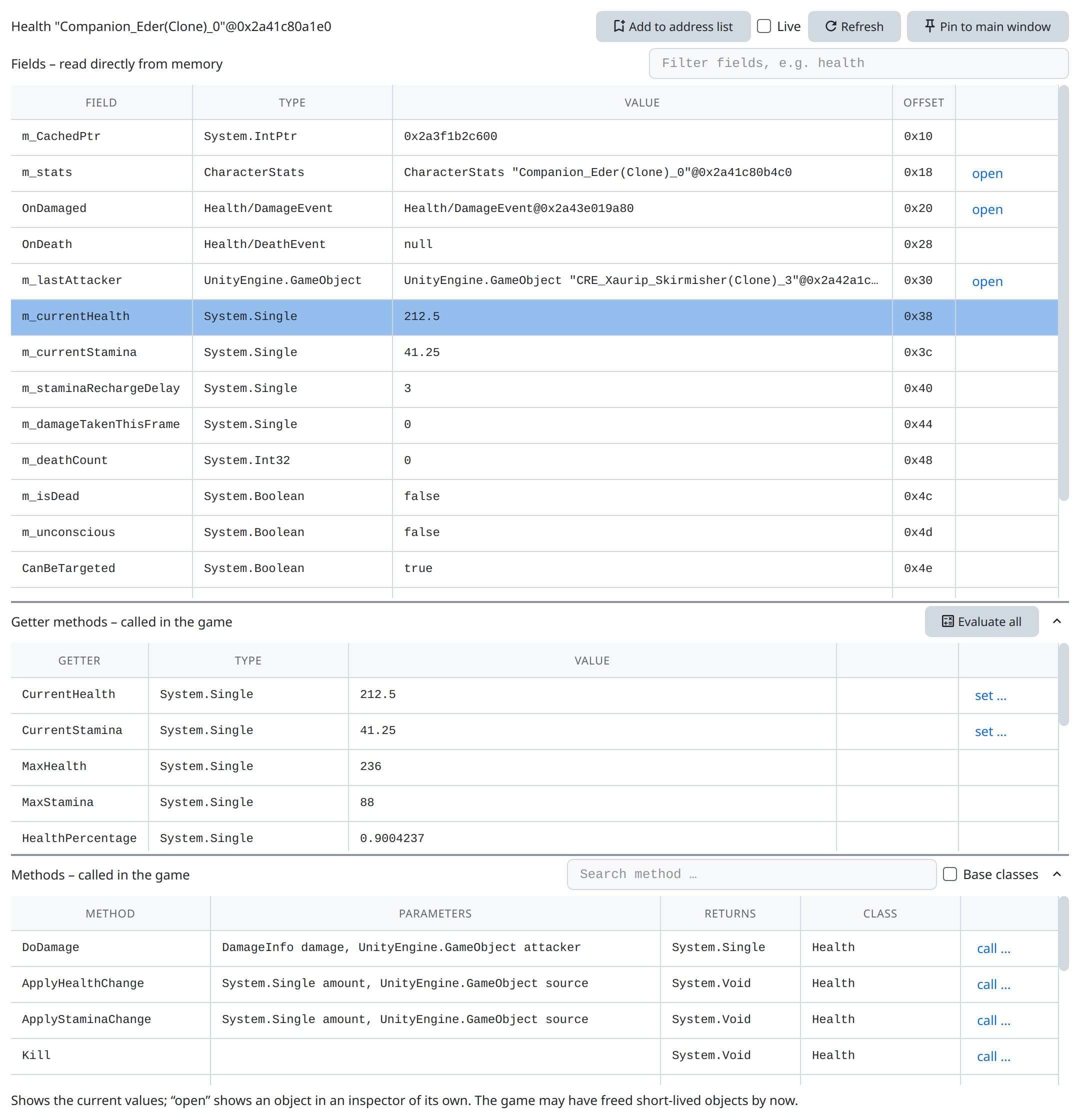
The object inspector shows the fields of an object – for Unity also static fields and properties, for Unreal the UProperties of objects and structs – evaluated on the game's main thread. Open it from an object in the monitor or a script result; fields that hold a value can be handed to the tracked addresses. The filter above the fields keeps those whose name or type contains every word typed, e.g. health among the hundreds of fields of an Unreal player character.
Inspectors can be docked beside the scanner; an object opened from a docked inspector opens as a tab beside it.
Method hooks
A method hook changes a method's arguments or the fields of its object before it runs, or its result after it. Like value hooks, method hooks use templates – their script sees the method's arguments and ctx.this – and they are stored per program and reinstalled at the next start.
Method hook scripts can reach other game code: ctx.call calls a static method, ctx.static reads static fields, ctx.find("ClassName") gives a live object of a class.
Call method
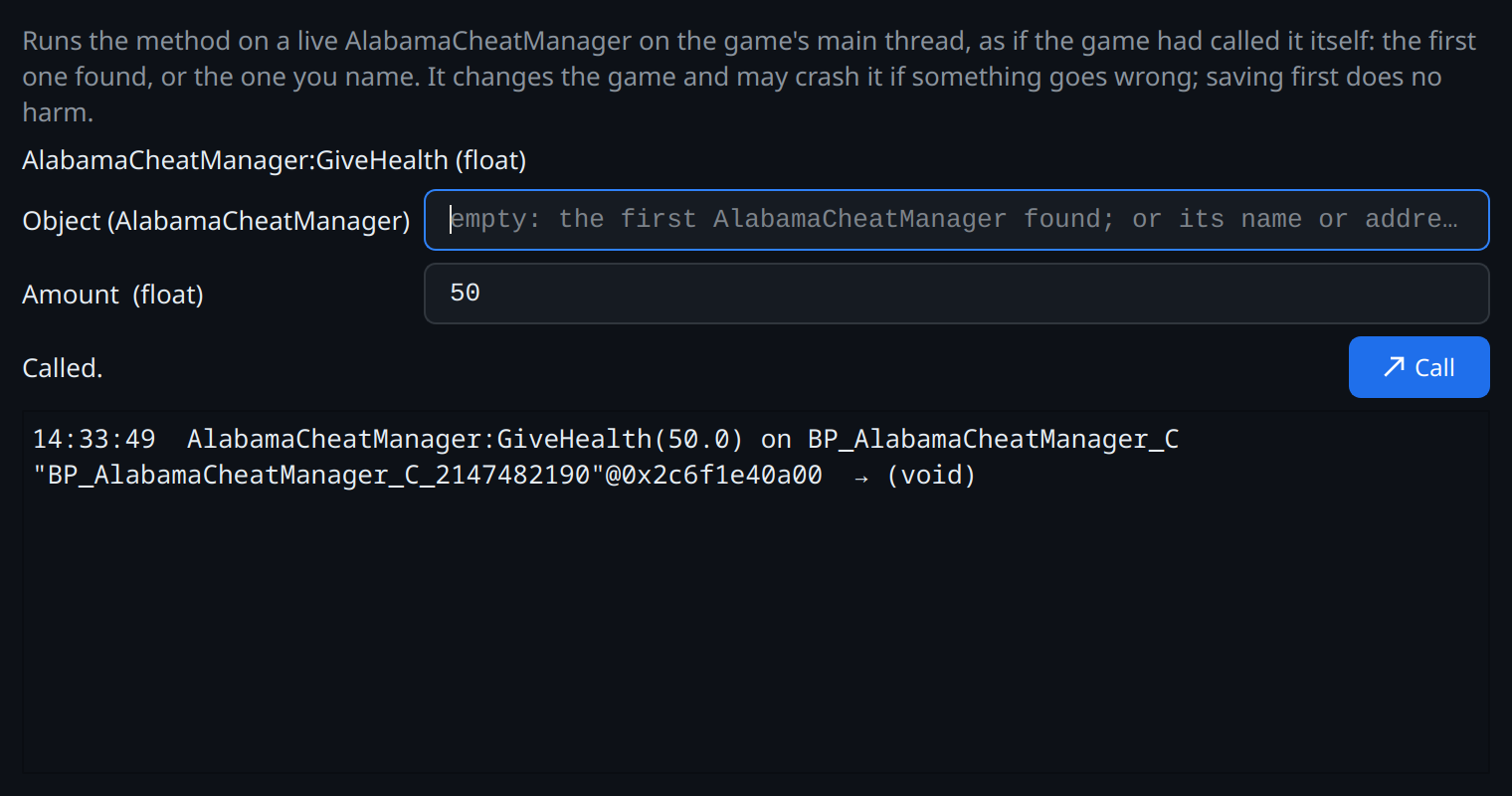
Call method runs a method of the game on its main thread with arguments you enter, and shows the result. See the engine pages for what each engine supports.
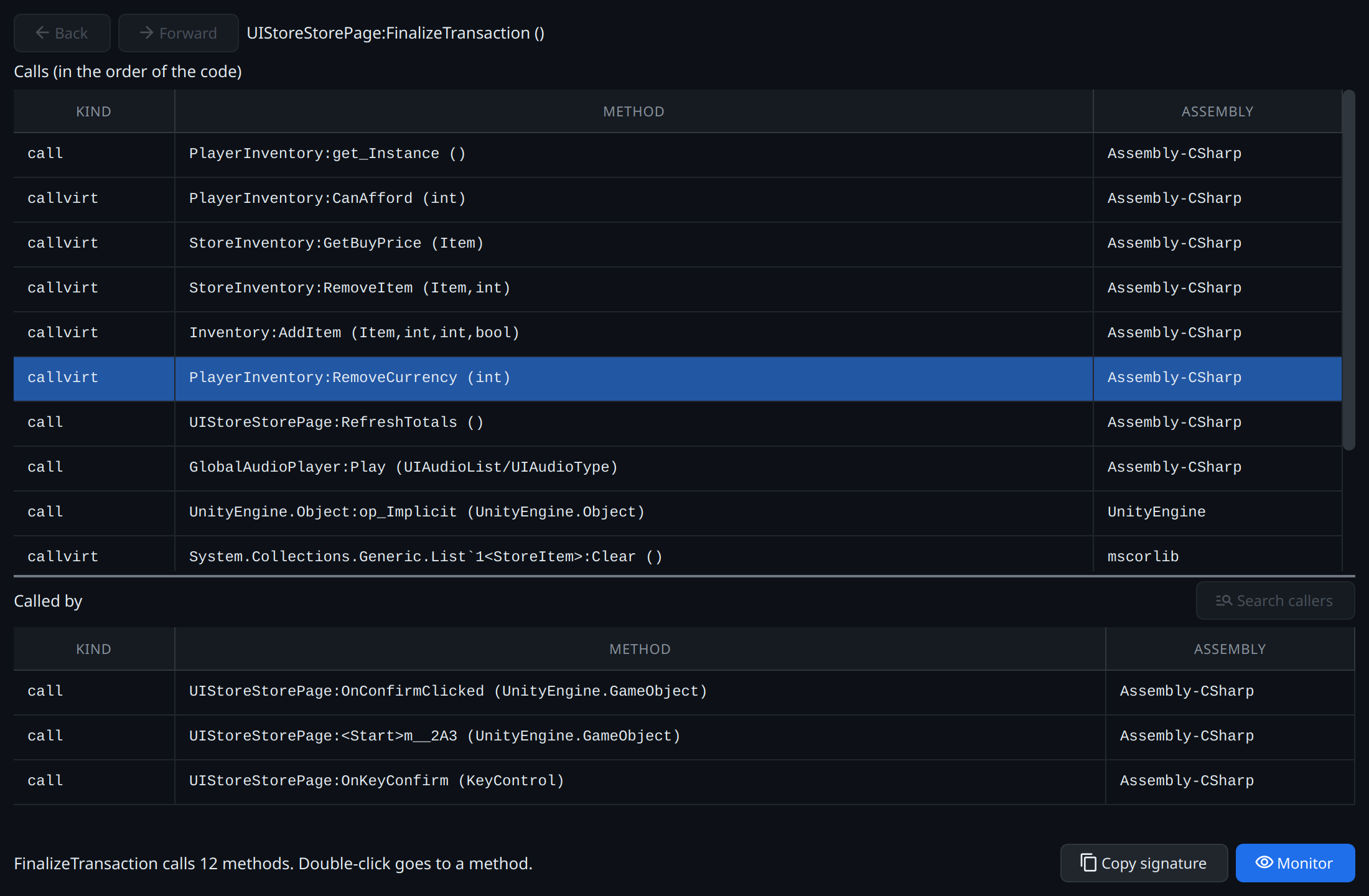
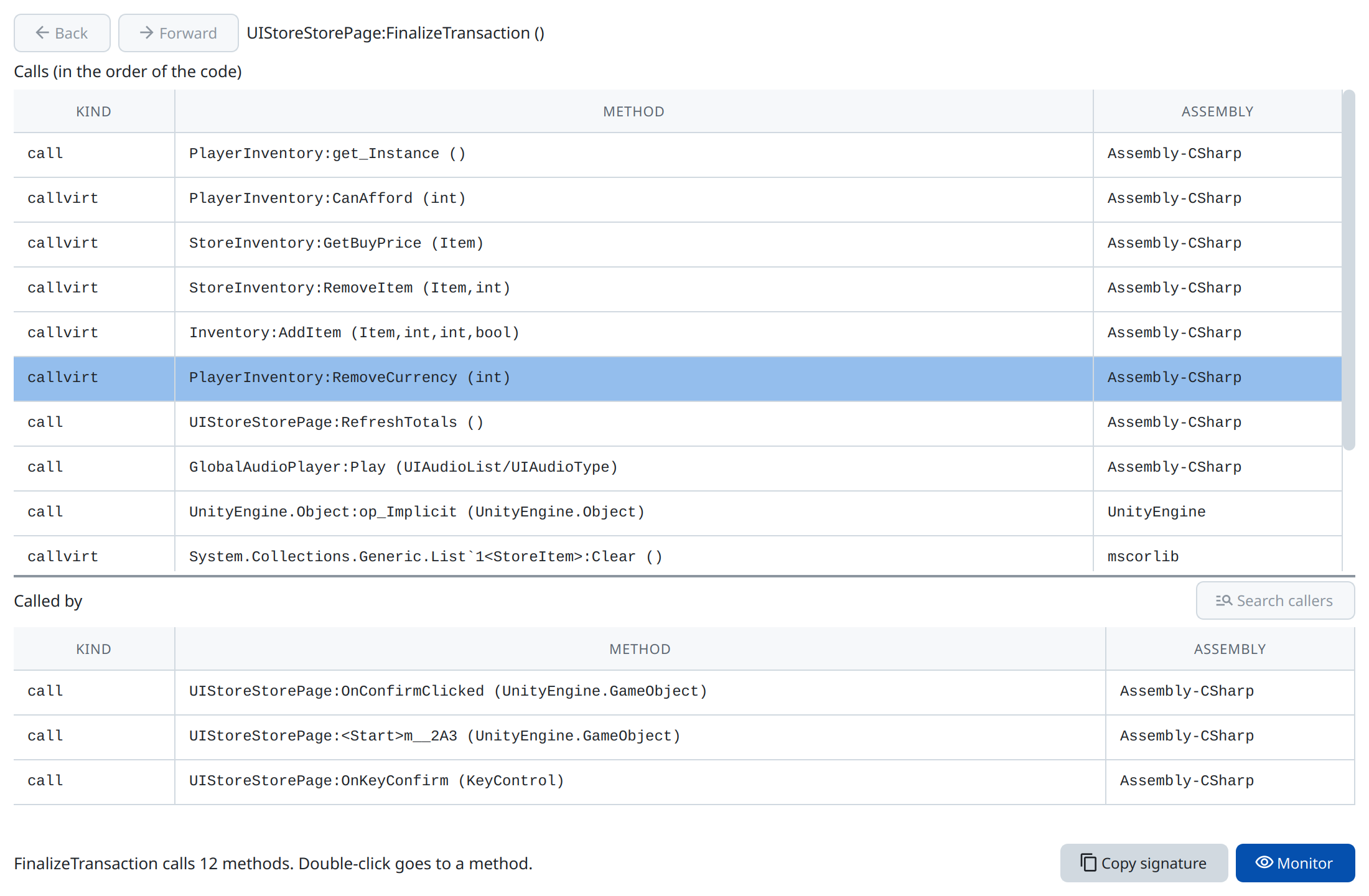
Call graph
For Mono games the call graph shows which methods a method calls and which call it, read from the IL code.