Settings and themes
Settings
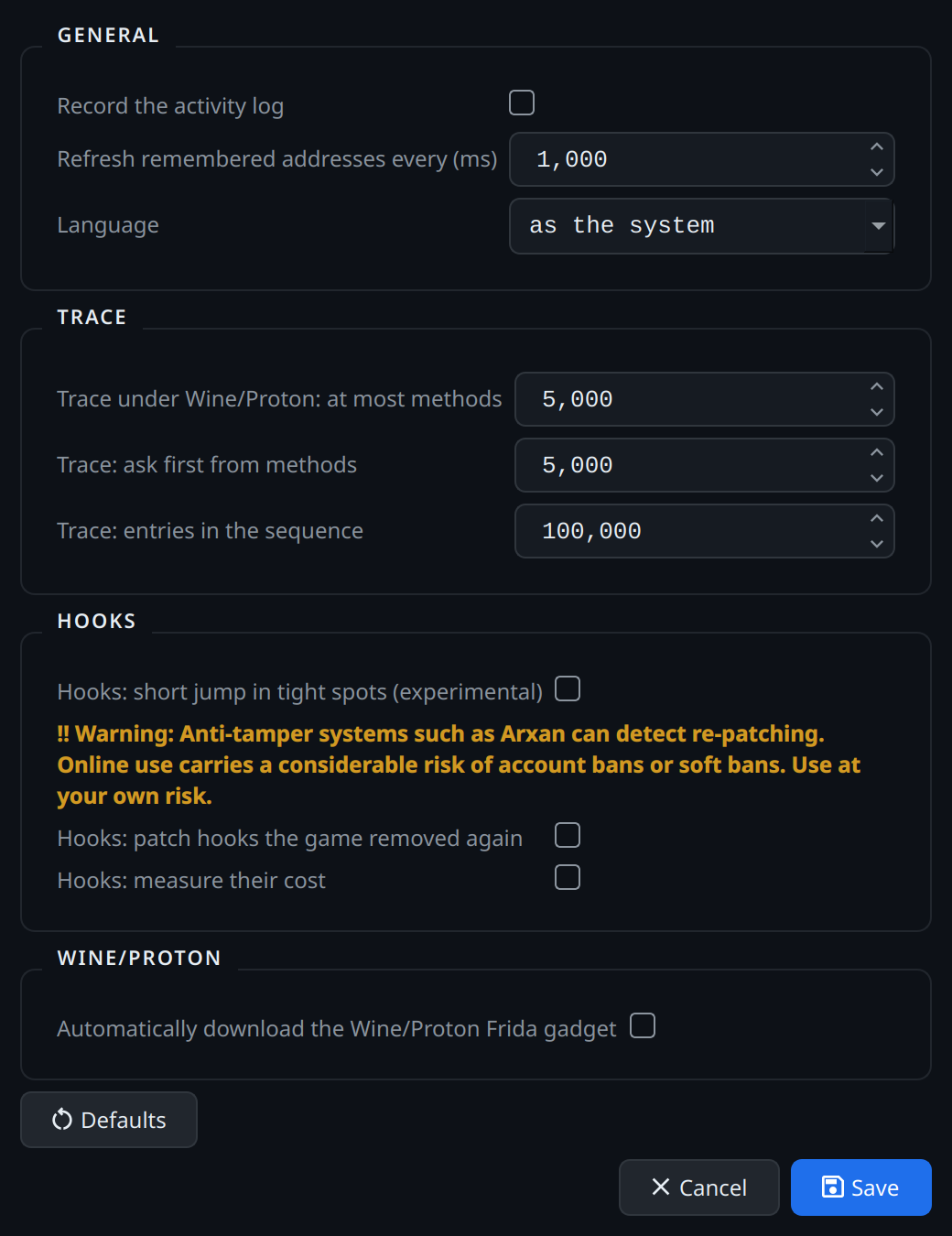
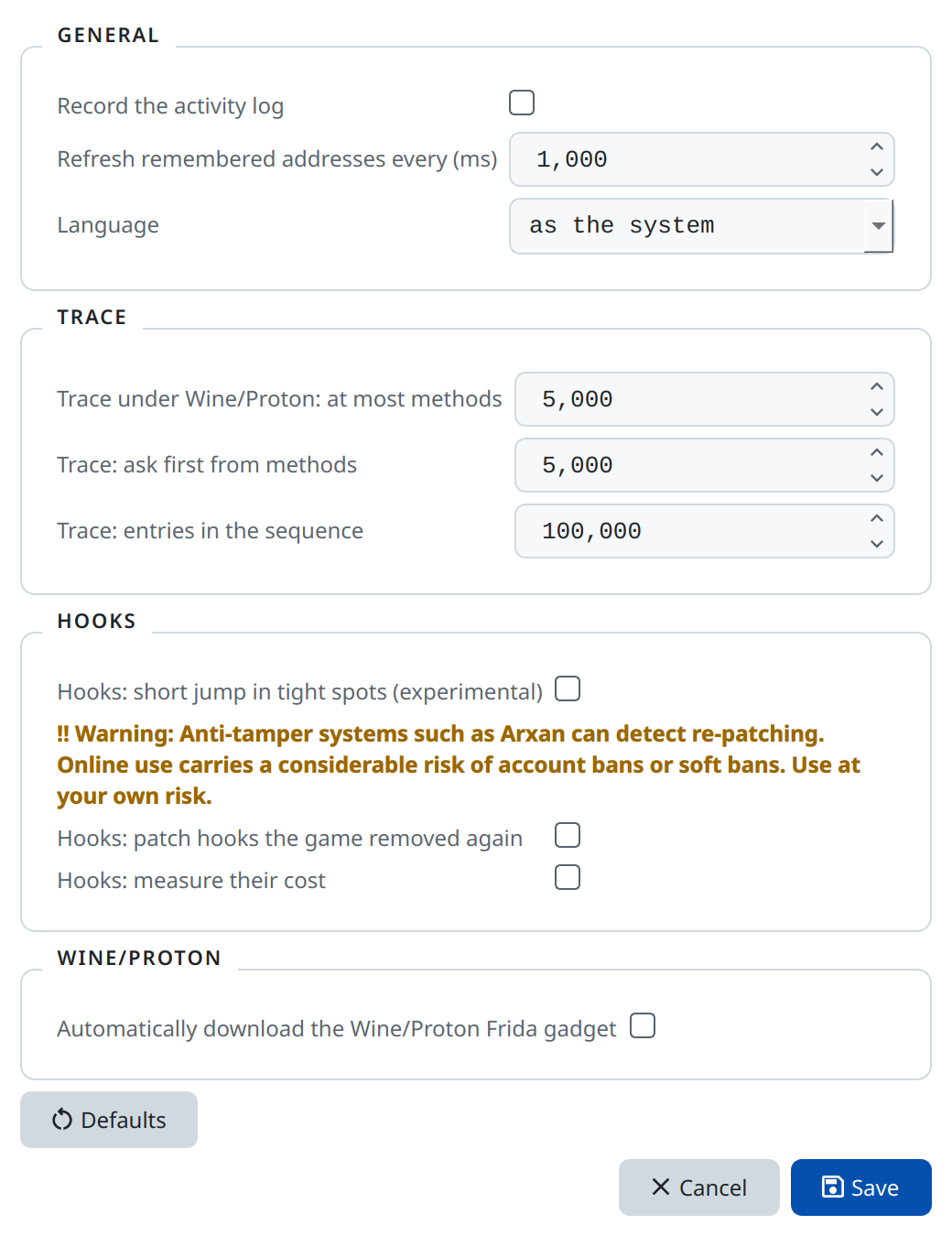
Settings → General … holds the settings, stored in Grembyte's database.
| Setting | Meaning |
|---|---|
| Language | Deutsch, English, or as the system. Takes effect at the next start. |
| Refresh remembered addresses every (ms) | How often tracked addresses read their values. |
| Record the activity log | Write the activity log. Takes effect at once. |
| Trace under Wine/Proton: at most methods | Most methods a trace hooks in a Wine/Proton game (default 5000, or no limit). Traces of tens of thousands of methods froze or crashed games there. |
| Trace: ask first from methods | From this many methods the trace asks before it starts; Mono has to compile them all. |
| Trace: entries in the sequence | How many calls the trace and the native trace keep in order during the scenario; raise it when the window reports dropped ones. |
| Automatically download the Wine/Proton Frida gadget | Off by default; see Wine and Proton. |
| Hooks: short jump in tight spots (experimental) | See the hook limitations. |
| Hooks: patch hooks the game removed again | For games that check and restore their code, e.g. Dark Souls III. Grembyte checks every second and patches again. Can be detected by anti-tamper systems. |
| Hooks: measure their cost | Measures every write at a hooked site: calls per second, skipped writes, waiting time and run time. Shown in the tooltip of the "Applied" column and in grembyte.log. |
Defaults fills in the default values; Save stores them.
Settings → Backend (watch & hooks) chooses between Frida and ptrace; see backends.
Color themes
Settings → Color theme … chooses a theme or edits its colors. Changes preview immediately; Save stores the palette and activates it, Cancel discards the preview. Enter a new name in the theme selector to create a theme of your own.
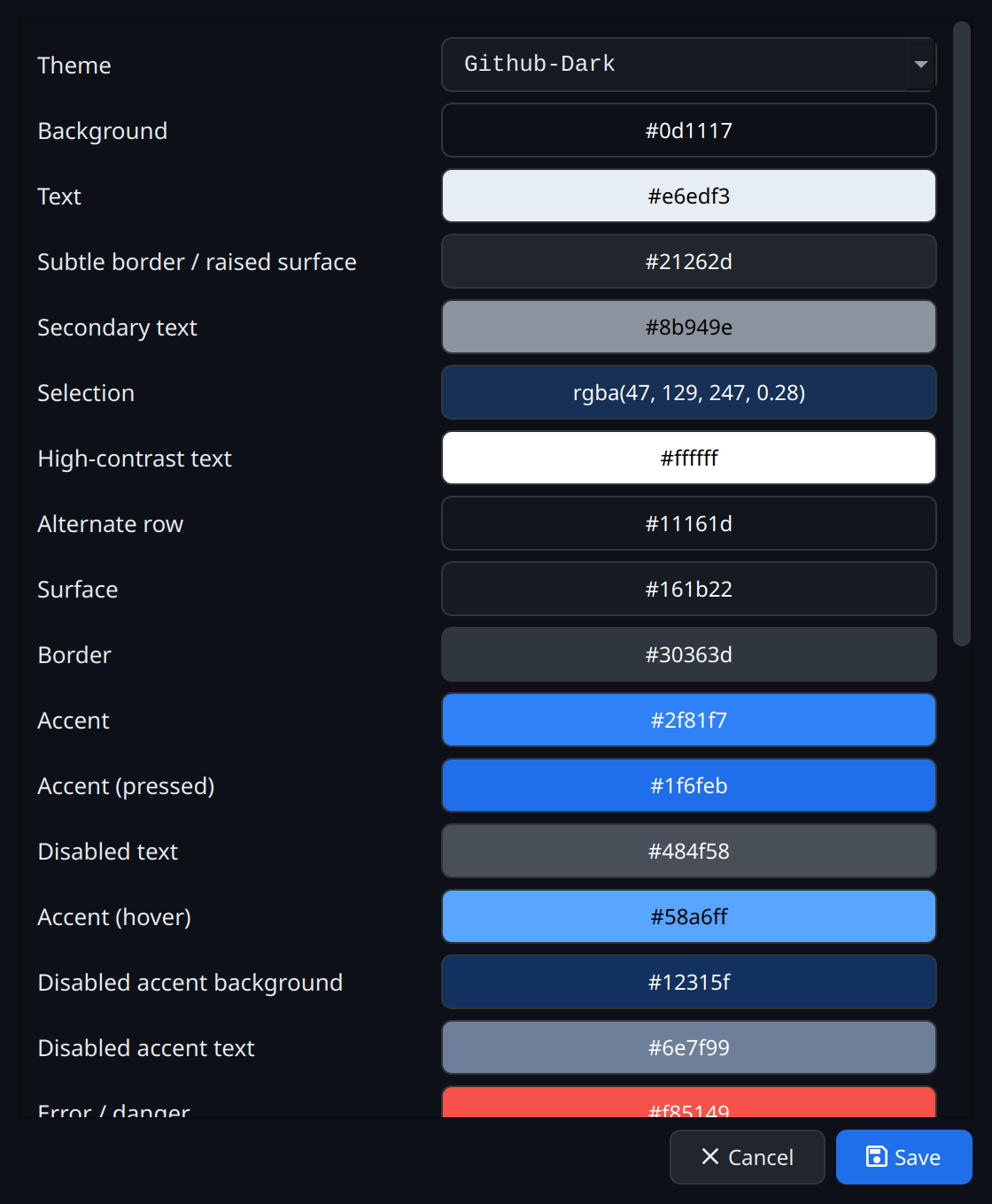
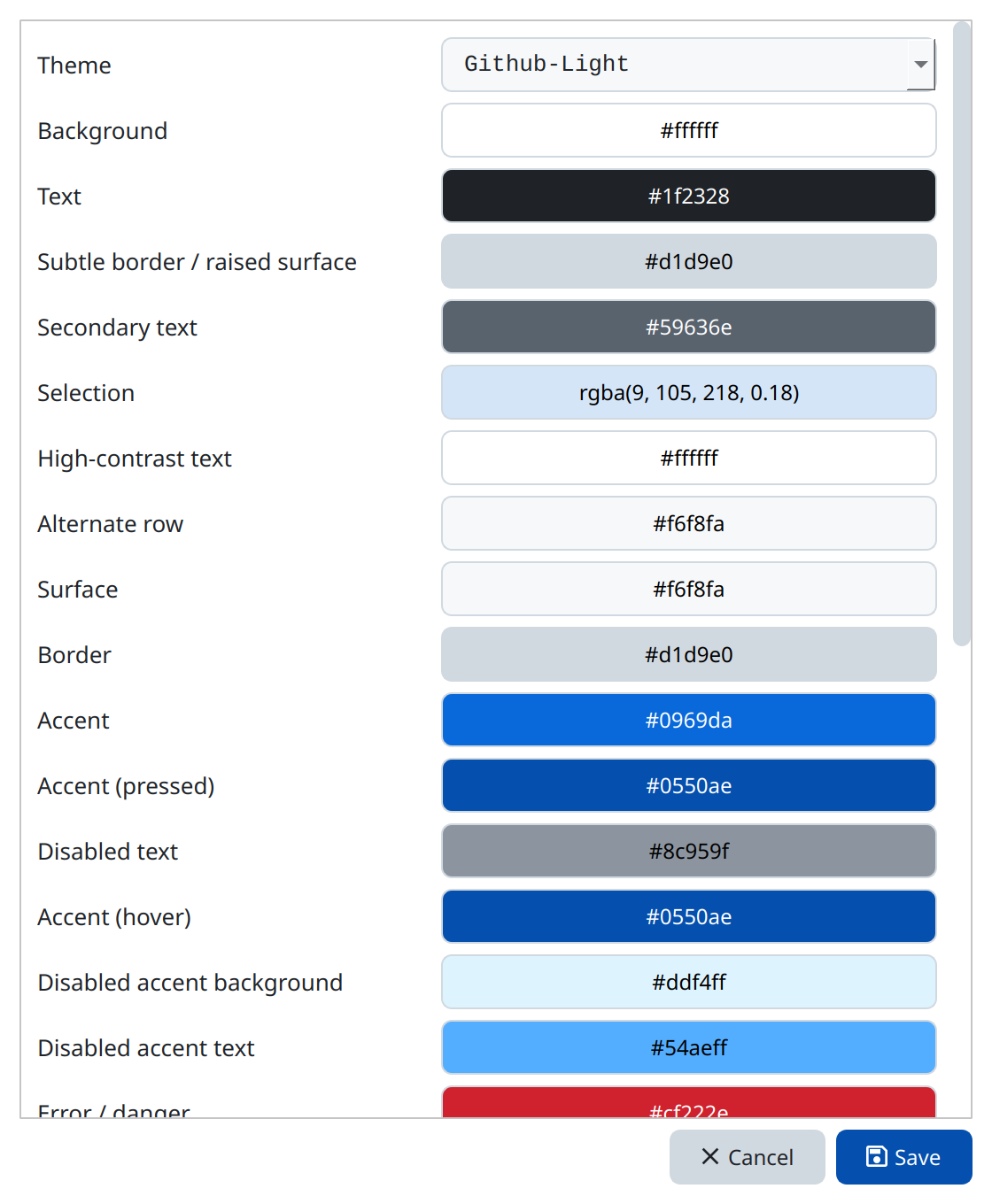
The bundled themes are Github-Dark (the default), Github-Light, Solarized-Dark and Solarized-Light. Themes of your own are saved as grembyte_themes_<name>.json; Files and environment says where.
Window layout
Every window keeps its size, its splitters and the column widths you set; windows that are not modal also keep their position.