Tutorial: your first hook
This tutorial uses the small test game in the repository to go through the whole path once: find the gold, see which code changes it, and hook that code so every gold gain is ten times as large. It takes about ten minutes.
The test game
test_app/dummy_game.c is a minimal GTK game with buttons for Gold +100, Gold −100 and New game, plus mana, experience and a treasure hunt for trying fuzzy scans. As in real games, the player lives on the heap behind pointers (g_game → player → gold), so the address of the gold changes with every start and every New game. The game prints its PID, the pointer chain and the current address of the gold to the terminal, so you can check what Grembyte finds. Several instances may run at once.
Build and start it (needs gcc and the GTK 3 development packages: gtk3-devel on Fedora, libgtk-3-dev on Debian/Ubuntu):
mkdir -p build
gcc -O2 test_app/dummy_game.c -o build/dummy_game.exe $(pkg-config --cflags --libs gtk+-3.0)
./build/dummy_game.exe
Screenshot to add: Grembyte next to the test game
Where this tutorial leads: the test game on the right, Grembyte on the left with its gold found and tracked through a pointer chain.
File: docs/assets/photos/dummy-game-dark.webp and -light.webp; the versions there still show Hermes Hook and what was done back then.
1. Attach to the game
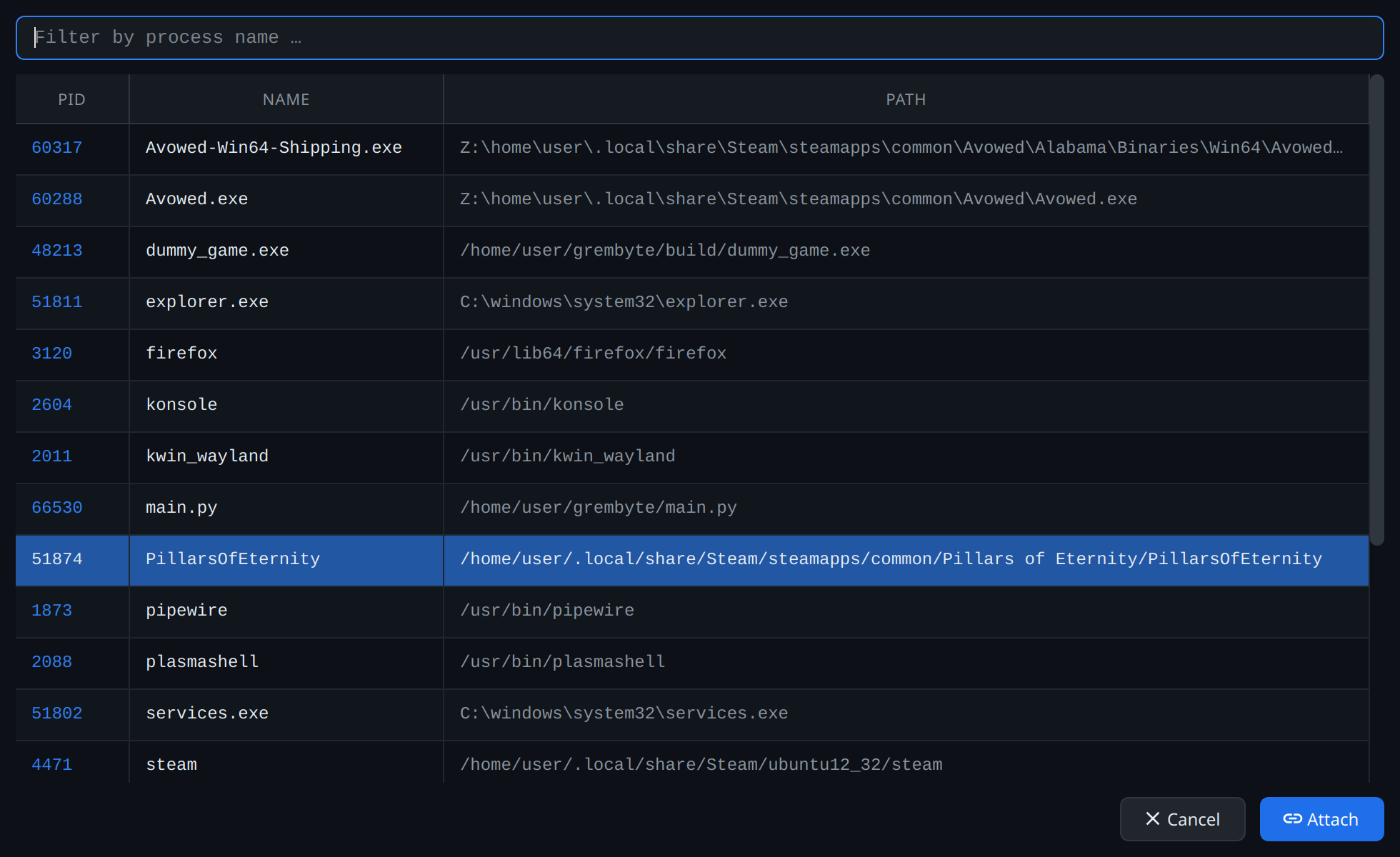
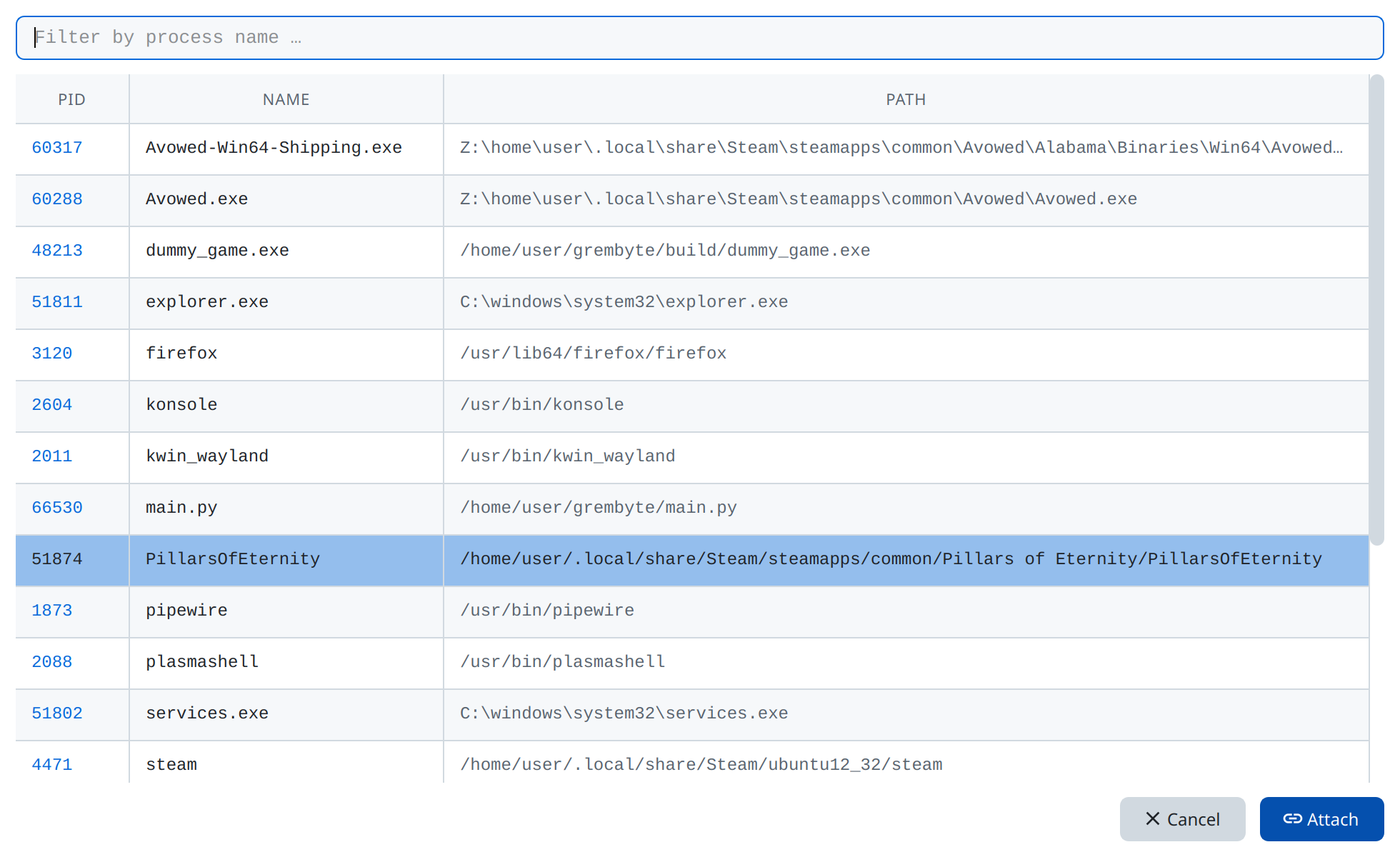
Click Select process in Grembyte and choose dummy_game.exe. The toolbar and the status bar now show the program, its PID and whether it is 32 or 64 bit.
2. Find the gold
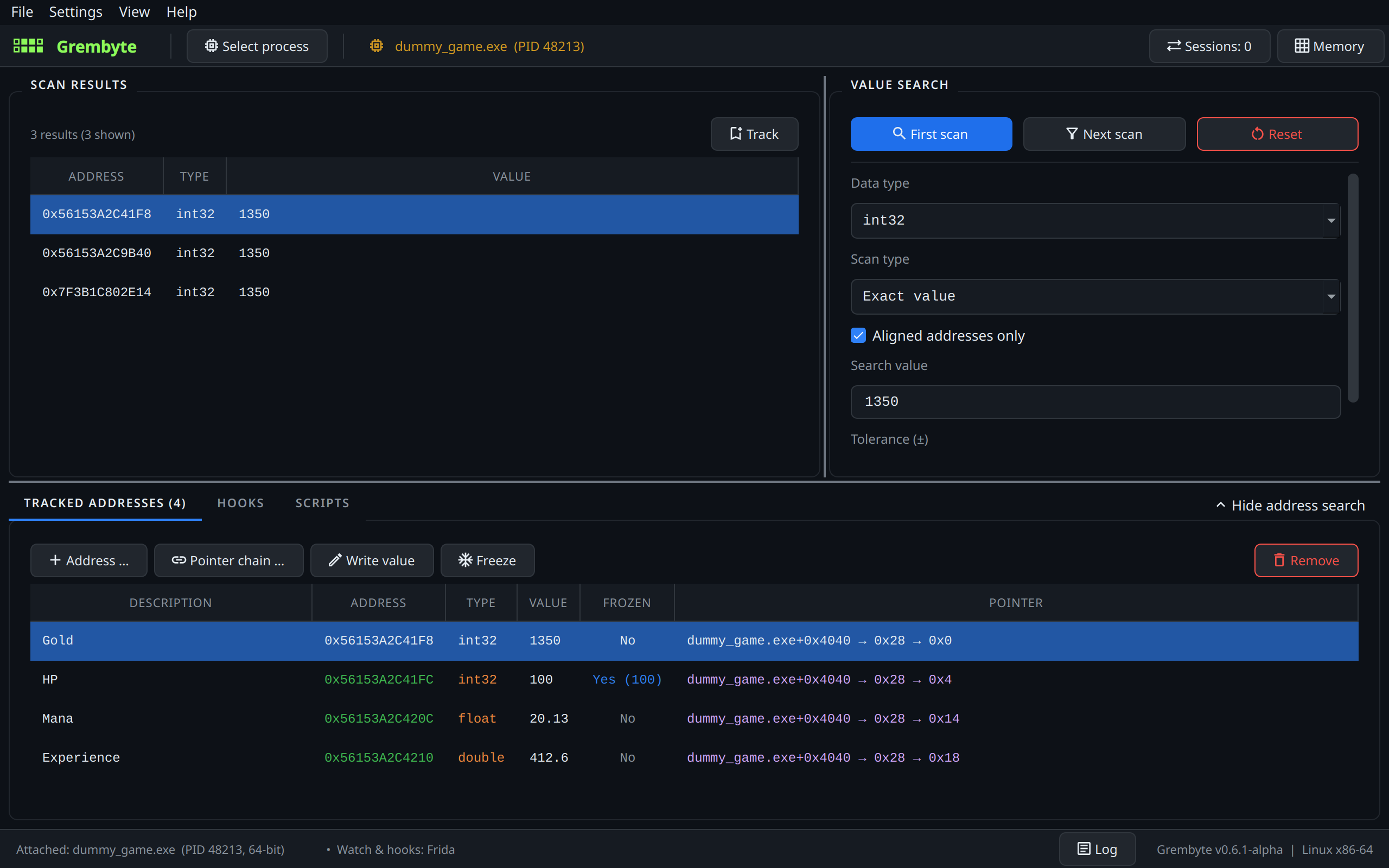
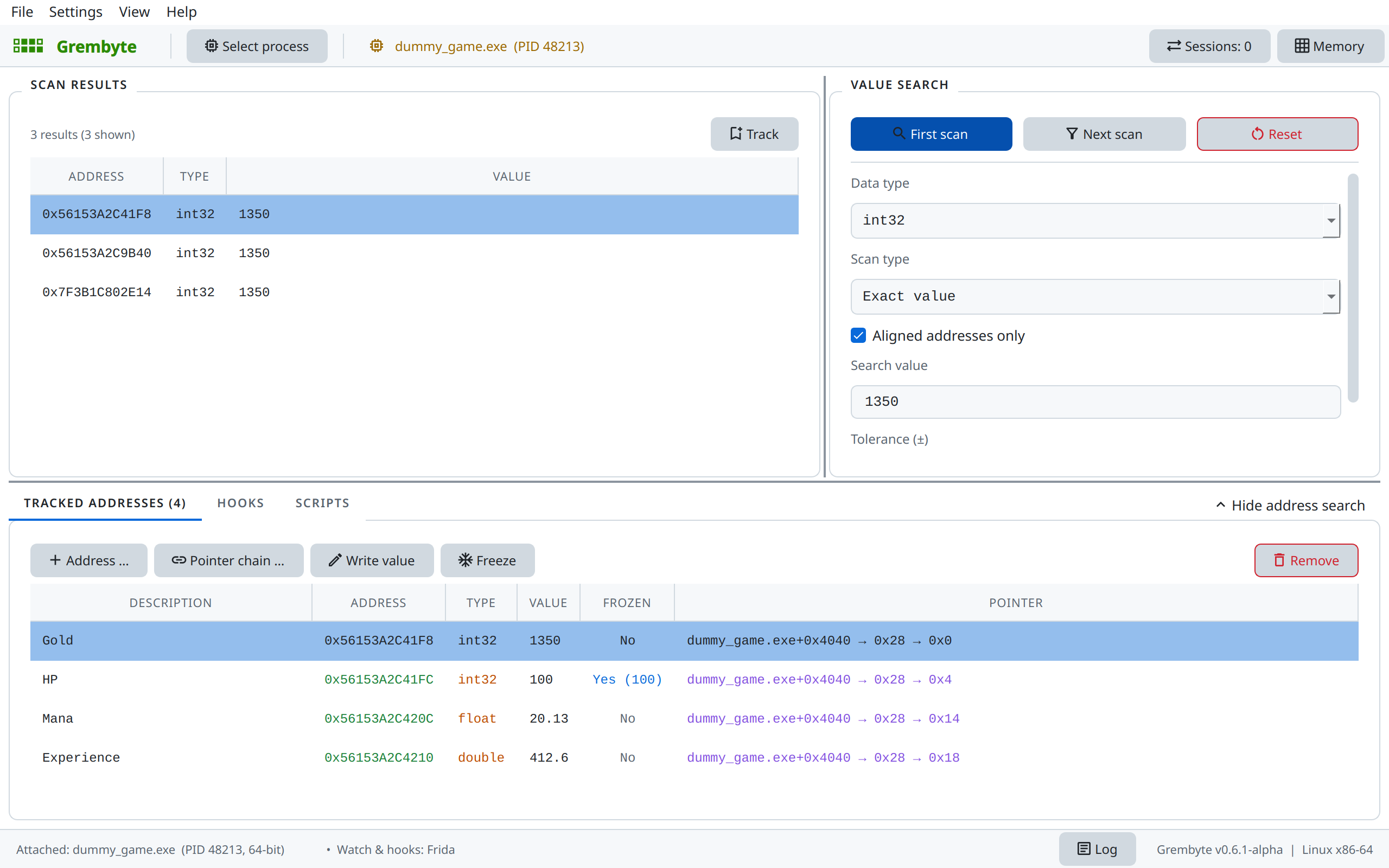
- Enter the gold shown in the game as Search value, keep the data type
int32and click First scan. Thousands of addresses hold that number by chance. - Click Gold +100 in the game, enter the new value and click Next scan. Repeat until one or a few addresses are left.
- Select the address and click Track (or double-click it). Give it a description such as "Gold".
3. See which code writes it
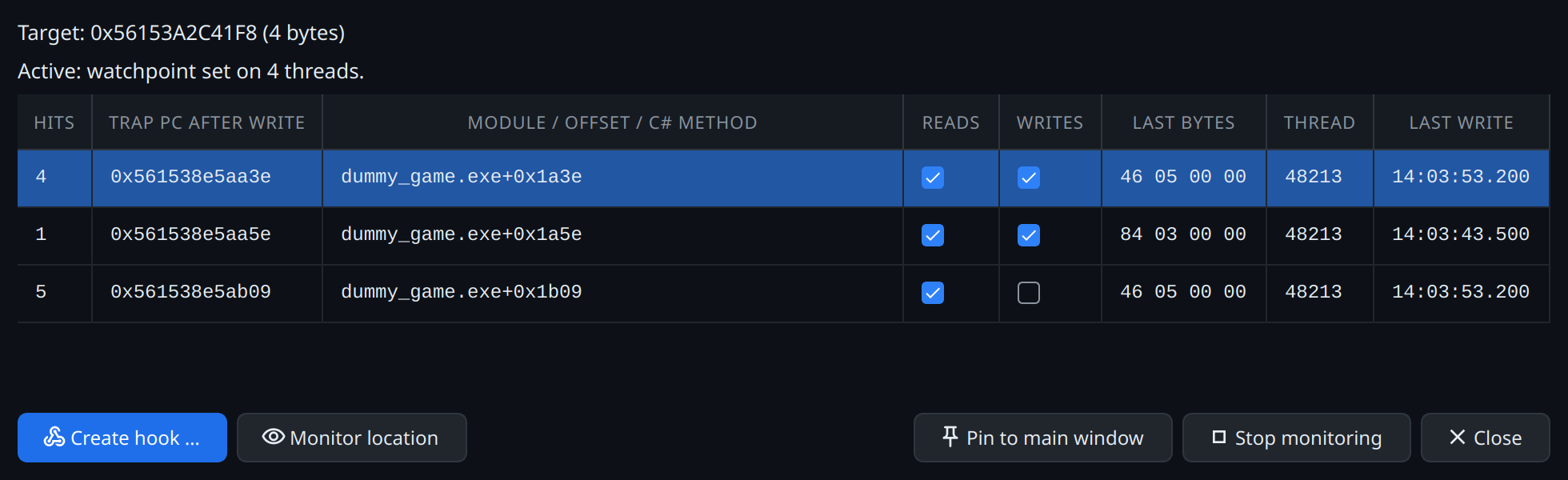
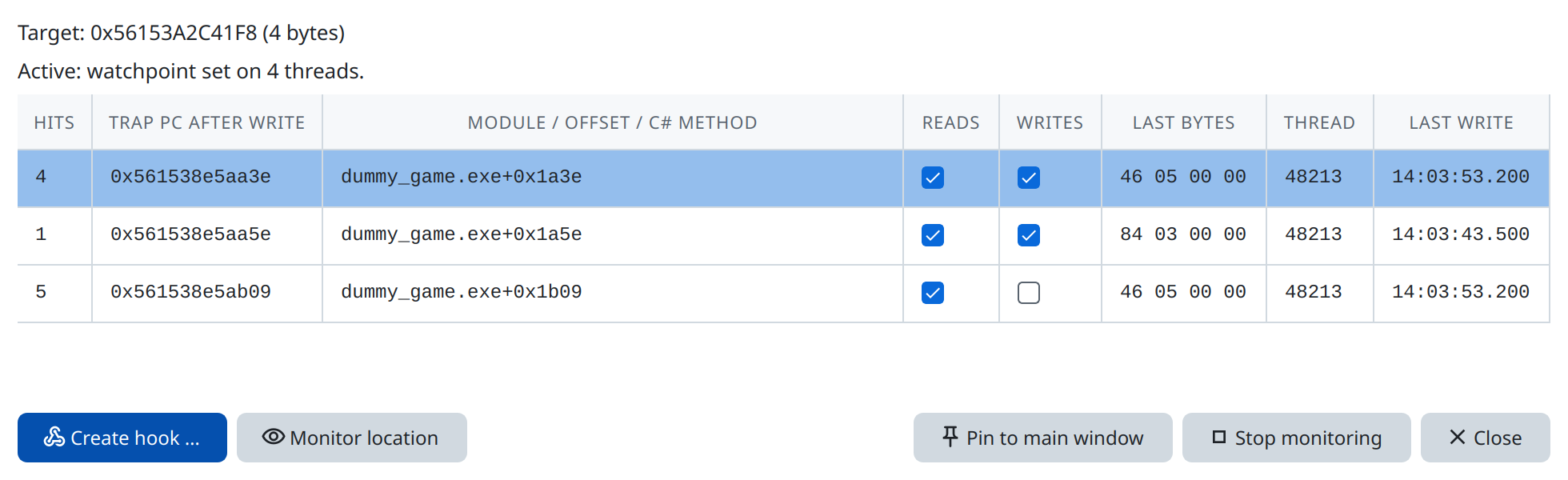
Right-click "Gold" in the tracked addresses and choose Address watch (writes). Click Gold +100 in the game: the watch window lists the code location that raised the gold, e.g. dummy_game.exe+0x…. Gold −100 produces a second row of its own.
4. Hook it
Select the row of the increase and click Create hook. Choose the template Multiplier, factor 10, and "Increases only".
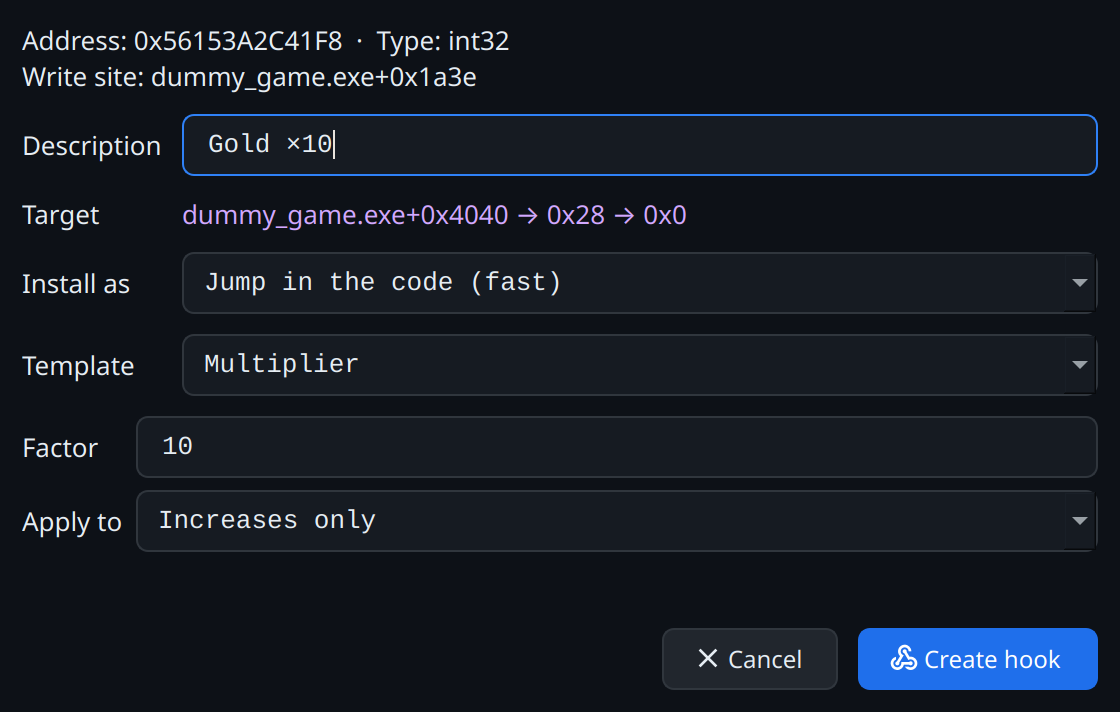
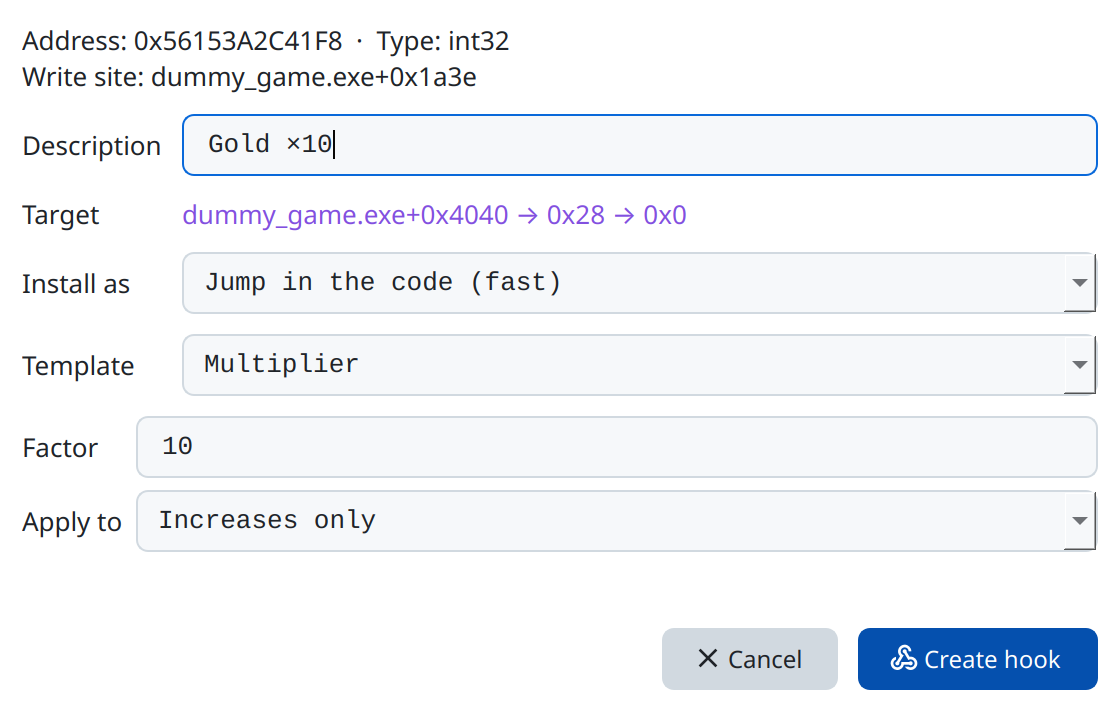
The hook appears in the Hooks tab. Every click on Gold +100 now brings 1000 gold; the column Last shows the old value → the value the game wrote ⇒ the value stored.
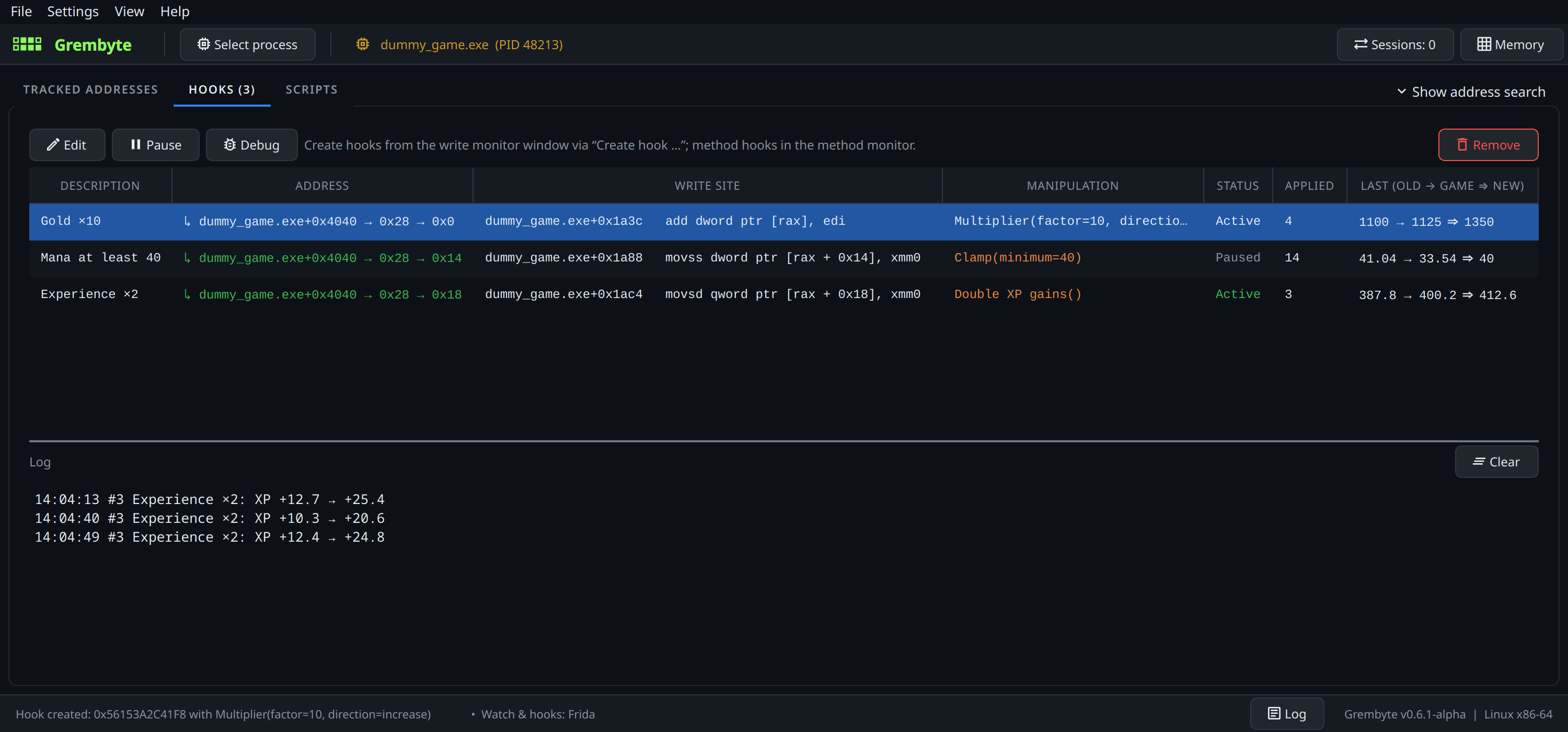
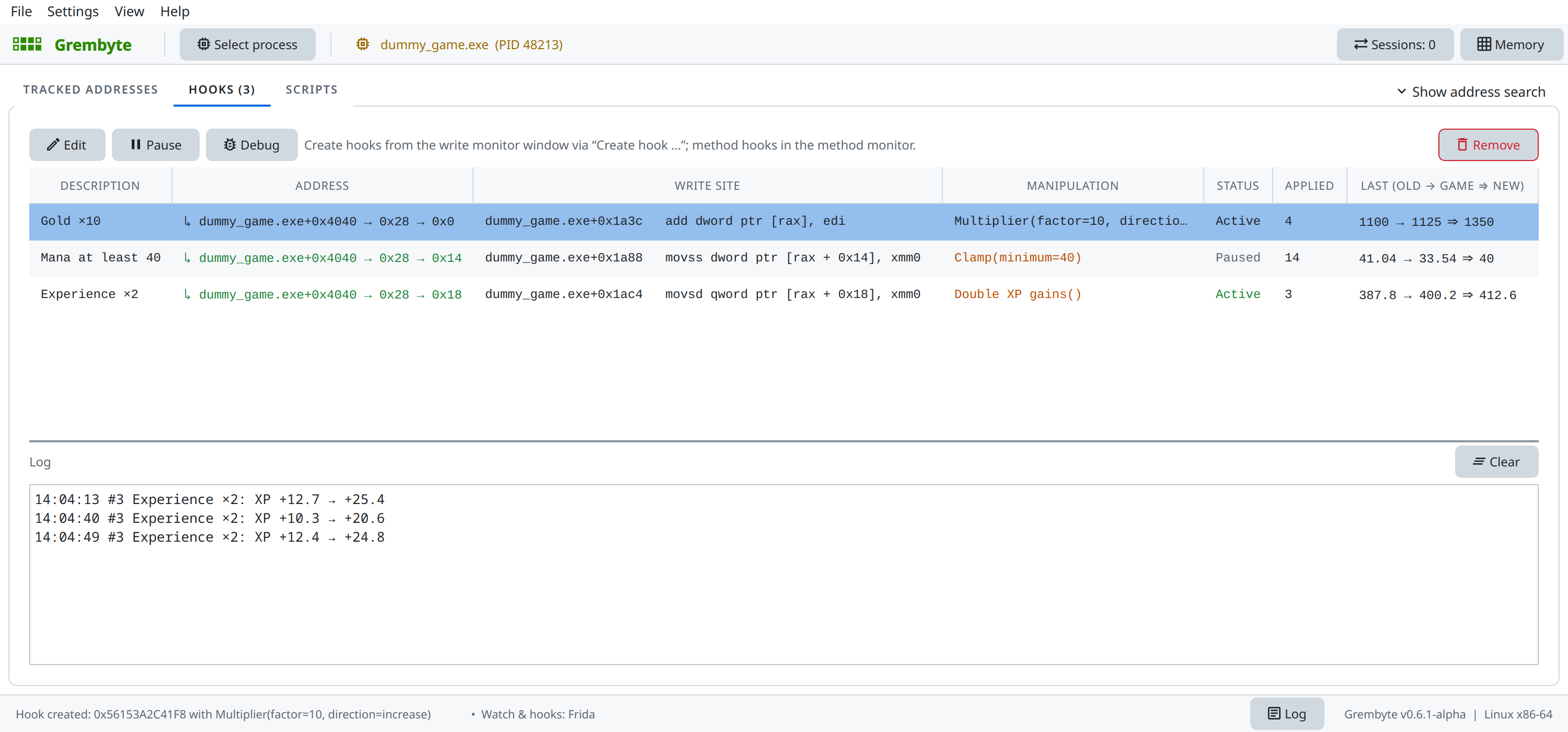
In the Hooks tab hooks can be edited, paused, debugged and removed. When a hook is removed, when you select another process and when Grembyte exits, the original bytes of the game are restored.
5. Make it last
Restart the game, or click New game: the gold now lives at another address. For the tracked address and the hook to find it again, give "Gold" a pointer chain with the pointer scan. From then on both follow the gold after every restart, and Grembyte installs the hook again by itself whenever you attach to the game.
Where next
- Scanning explains every scan type, including tolerance and rounded floats with the game's mana and experience.
- Hooks explains how a hook works, what happens after a restart, and its limitations.
- Hook templates shows how to write manipulations of your own in JavaScript.