Tracked addresses
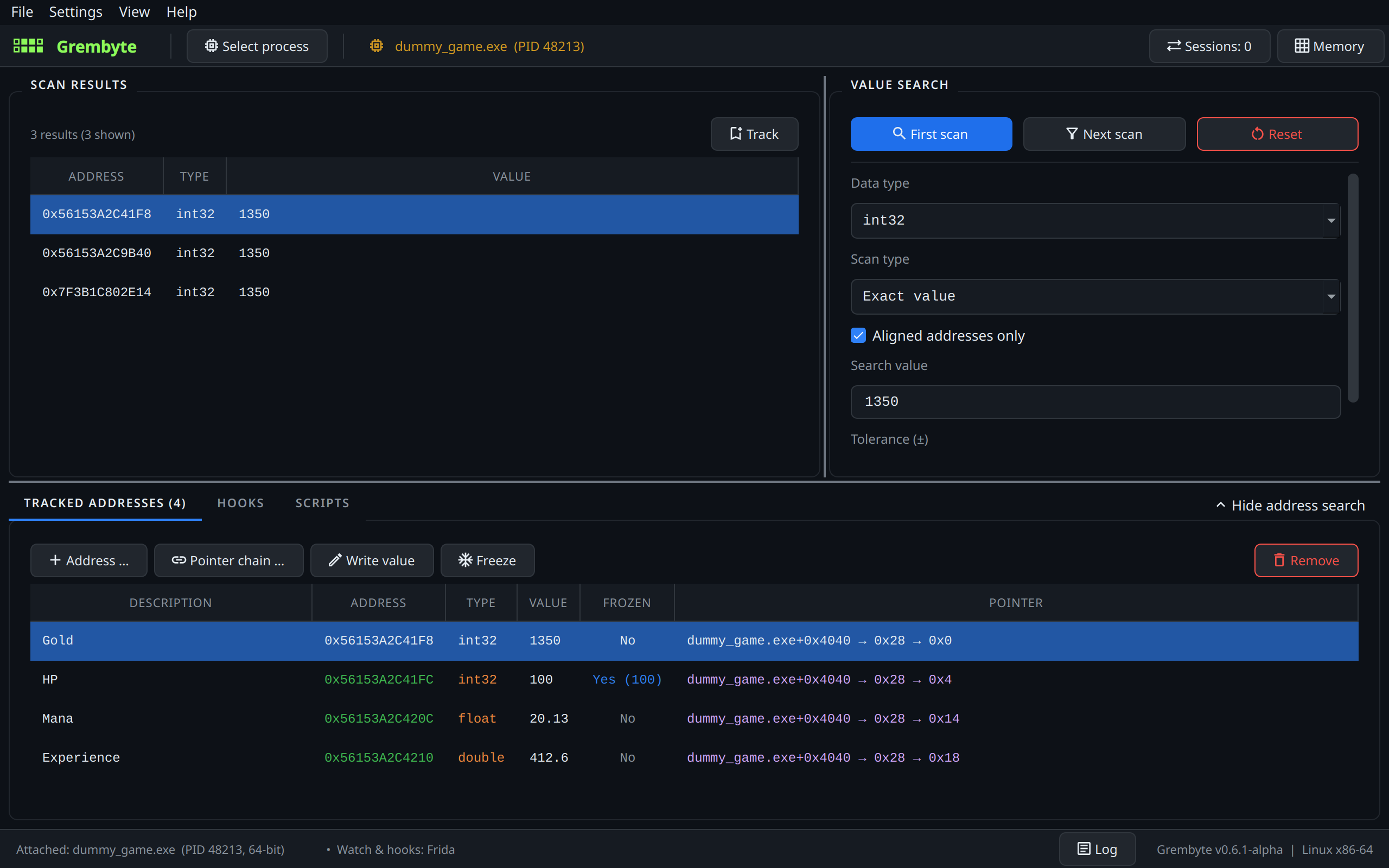
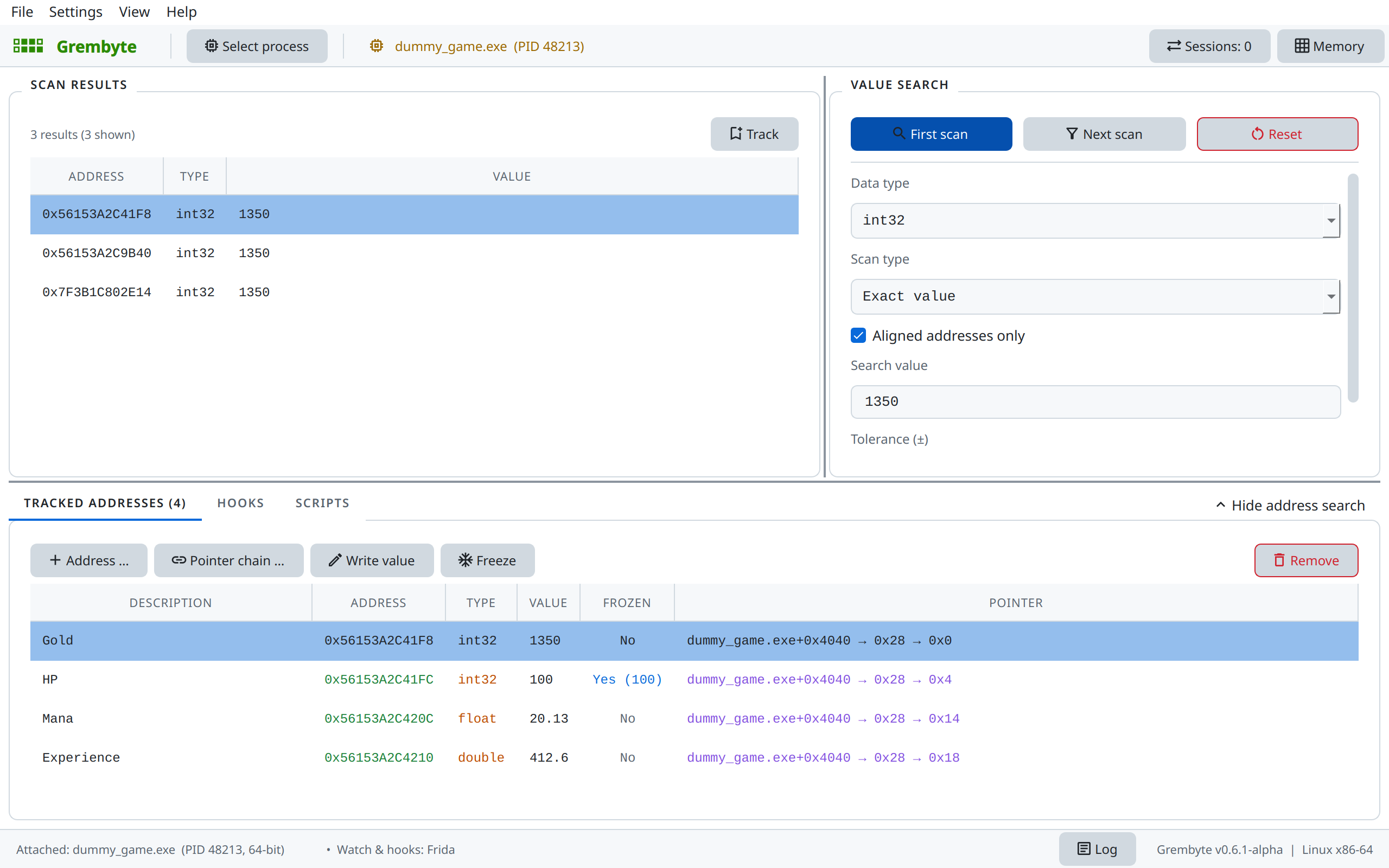
The Tracked addresses tab keeps the addresses you work with, with a description, the type, the live value and, if found, a pointer chain. They are stored per program and loaded again the next time you attach to it.
Adding addresses
- Track in the scan results, or a double-click on a result.
- + Address … for an address you know, e.g. from another tool.
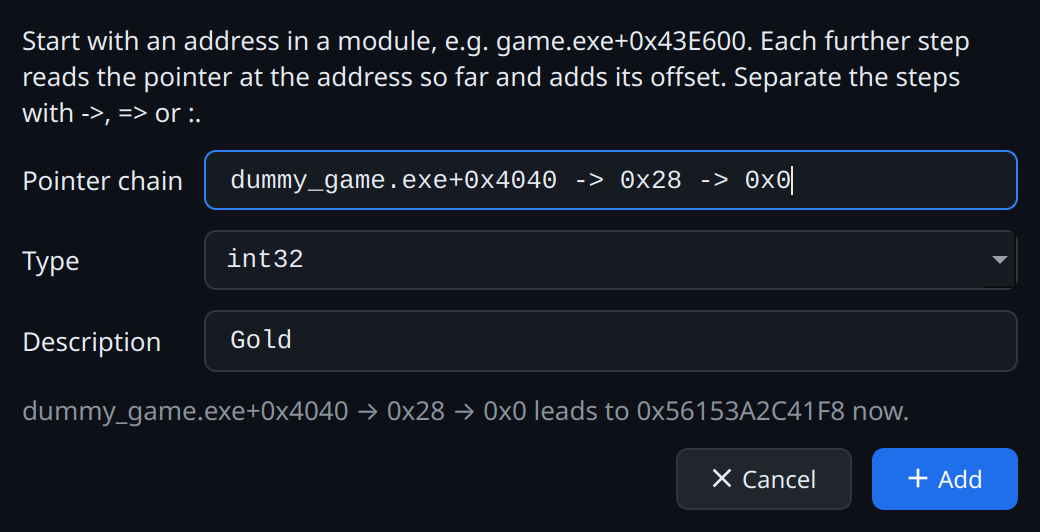
- Pointer chain … for a value reached through pointers, e.g.
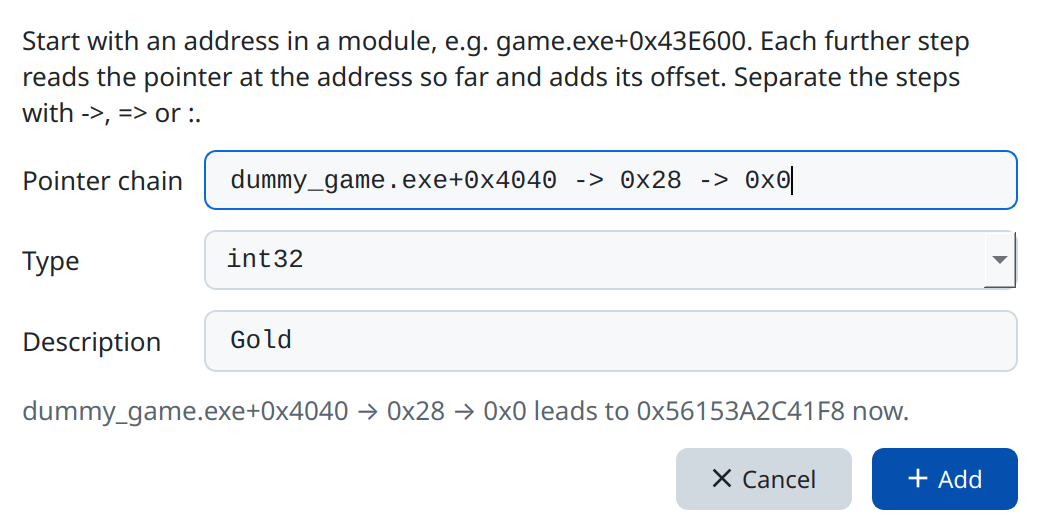
game.exe+0x43E600 -> 0x28 -> 0x0: start at an address in a module (module+offset, also with further offsets), then each step reads the pointer at the address so far and adds its offset. Separate the steps with->,=>,:or→(as the pointer scan and the code explorer show chains). The dialog shows where the chain leads now; the entry follows it again with every refresh and after a restart. - From the object inspector, the hooks tab and scripts, which can hand addresses over.
Plus or arrow
game.exe+0x43E600+0xB0 is the address 0xB0 bytes behind game.exe+0x43E600. game.exe+0x43E600 -> 0xB0 reads the pointer stored at game.exe+0x43E600 and adds 0xB0 to it. If a register held the object's address itself (rcx = game.exe+0x43E600), its field is at the sum; only if the object's address was read from there is it an arrow.
Step by step with the test game
The pointer chain example reads the chain of the gold from the game's code, enters it with Pointer chain …, and explains with a simple picture how to tell a step of a chain from an offset.
Double-click the description to rename an entry. If an address lies in the program's static memory (a global variable), Grembyte stores it as module + offset right away; it stays valid after a restart without a pointer scan.
Writing and freezing
Write value writes a new value into the game once.
Freeze holds the current value: Grembyte writes it back every 100 ms. Clicking again releases it; Write value changes the frozen value. For entries with a pointer chain or a static address the frozen state is stored and still applies after the game restarts. Entries without a chain are released when they are loaded again, because their address need no longer be right then.
Freeze or hook?
Freezing needs no write watch and works on any value, but may flicker briefly, since the game can change the value between two passes. A hook with the template Fixed value acts directly at the write instruction, so the game never sees another value.
Context menu
A right-click on an entry offers:
- Show in memory viewer: the memory around the address.
- Change description … and Change value ….
- Address watch (writes) and Address watch (all accesses): the write and read watch.
- Find pointers …: the pointer scan; Remove pointer drops a chain again.
Scan results offer the memory viewer and the two watches as well.
After a restart
Without a pointer chain the stored address is usually wrong after the game restarts, and the entry shows a stale value. With a chain Grembyte resolves it again; while it cannot (e.g. in the main menu, before a save is loaded) the address column shows ?, and the entry resolves once the chain leads somewhere again.