Saving, export and import
What Grembyte keeps per game
Grembyte identifies a game by its program and keeps for it:
- tracked addresses with their pointer chains and frozen values,
- hooks and method hooks,
- scripts,
- favorites and the chosen assemblies,
- catalogs read from Unity and Unreal games (in a cache beside the database), so the catalog also opens offline.
Hook templates and settings are shared by all games. Everything lives in one SQLite database; Files and environment says where.
When the attached game exits, Grembyte resets the window within a second: scans, watches, freezing and hooks stop; stored addresses and hooks are kept and loaded again the next time you attach.
Export and import
File → Export game data … writes everything saved for a game to a JSON file: per program path its addresses, hooks, method hooks, favorites and scripts, plus the templates its hooks were created from. The candidate chains of pointer scans are only exported when you ask for them, since they can be large.
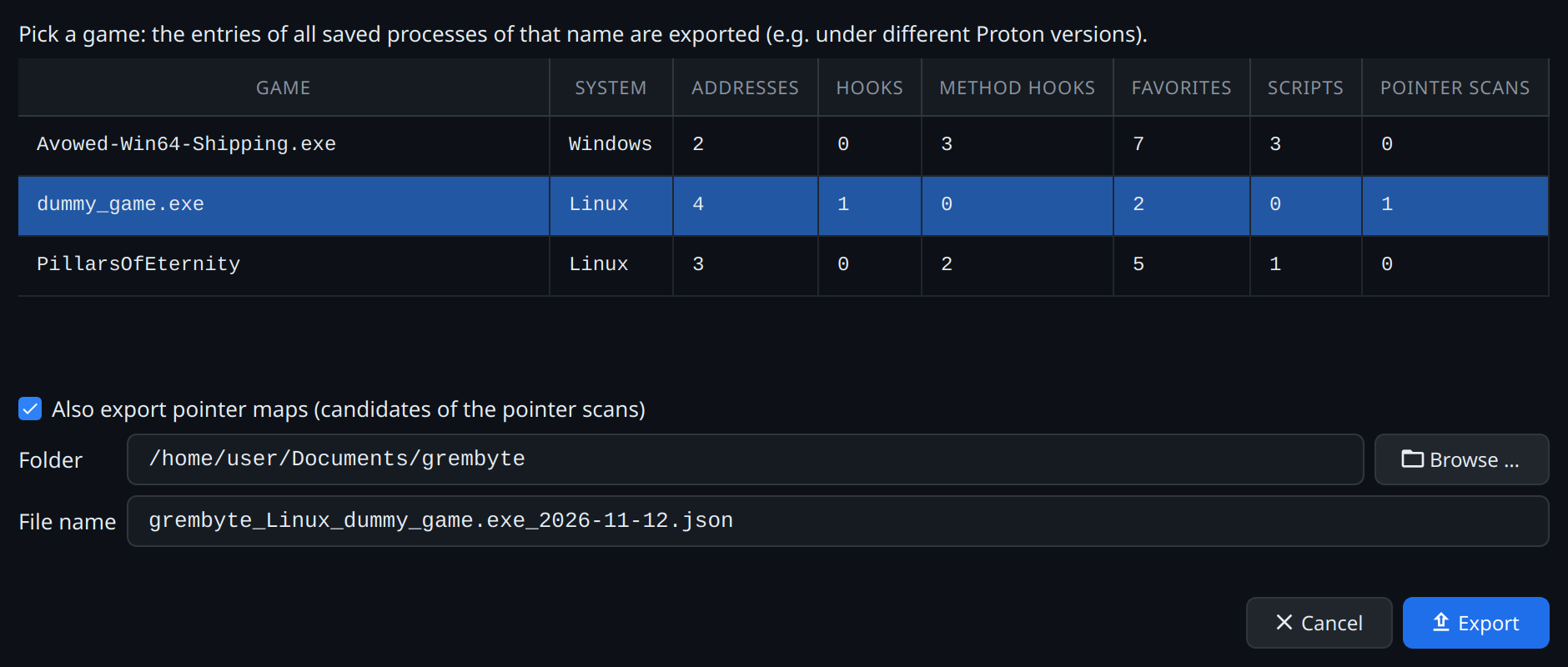
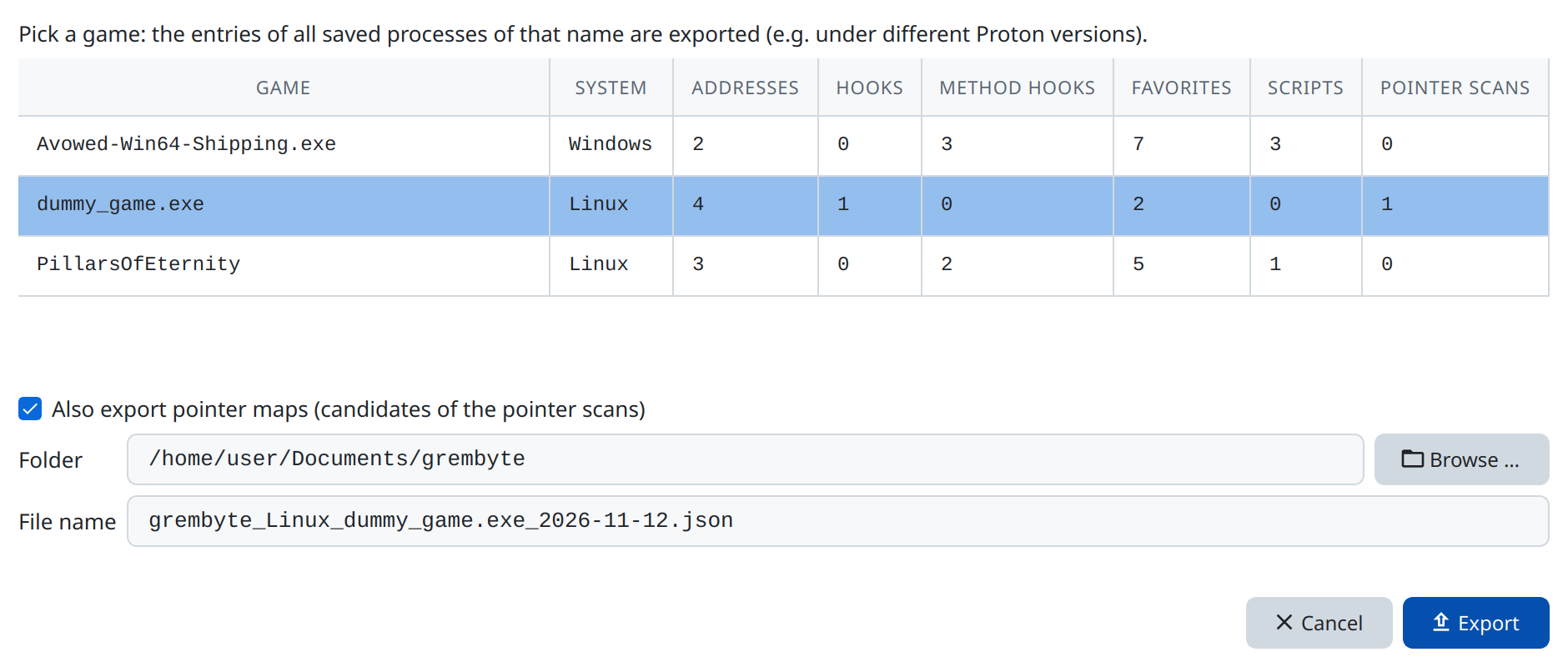
File → Import game data … puts the entries of a file into one saved program, whatever path they were exported from – useful when a game moved, or for another computer. It either replaces what the program holds or mixes the file's entries in, leaving out those it holds already. A template in the file is linked to a local one with the same name and code, otherwise added (under a new name if the name is taken).
Cleaning up
- File → Delete saved entries … deletes chosen addresses, pointer scans, hooks, method hooks, favorites or scripts of saved programs, or the programs altogether. Tick the entries per program; the box in front of a row ticks all its entries. For several selected rows (Ctrl or Shift), the space key ticks their entries, a second time their program too, a third time nothing. Deleting an address deletes its pointer scans as well. Remove process deletes the program with all its entries and its assembly selection; it is saved anew when you attach to it again.
- File → Compact database … frees the space of deleted entries (e.g. large pointer scans) that SQLite otherwise keeps in the file.